DreamID: The Future of Identity-Preserving Image Generation

What is DreamID: The Future of Identity-Preserving Image Generation
DreamID is a face-swapping model that keeps the person’s identity very close to the original while moving the face into a new photo. It aims to keep key details like face shape, makeup, lighting, pose, and expression. It works fast too, making a 512×512 image in about 0.6 seconds.

Built by the Intelligent Creation Team at ByteDance, DreamID is trained with a special “triplet” method that teaches the model to protect who the person is. It also uses a speed-optimized diffusion base, so training and results are both quick. You can try DreamID inside ByteDance’s consumer app, Dreamina.
DreamID: The Future of Identity-Preserving Image Generation Overview
Here is a quick summary of what the project offers.
| Item | Details |
|---|---|
| Type | Diffusion-based face swapping model (image-to-image) |
| Goal | Swap faces while keeping the person’s identity and attributes strong |
| Key Strengths | High ID match, keeps pose/expression, preserves makeup and lighting, fast (0.6s for 512×512), works on stylized and 3D/cartoon images, handles occlusions and large head angles, supports multi-person scenes |
| Core Ideas | Triplet ID Group learning, one-step diffusion (SD Turbo), SwapNet + FaceNet + ID Adapter feature fusion |
| Best For | Media editing, portraits, film/TV shots, magazine covers, group photos |
| Where to Try | Dreamina (ByteDance) image generator |
| Team | ByteDance Intelligent Creation Team |
| Notable Updates | Project released Apr 2025; accepted by SIGGRAPH Asia 2025; video version “DreamID‑V” announced Jan 2026 |

For a broader context on this project, see our full write-up here: DreamID overview and notes.
DreamID: The Future of Identity-Preserving Image Generation Key Features
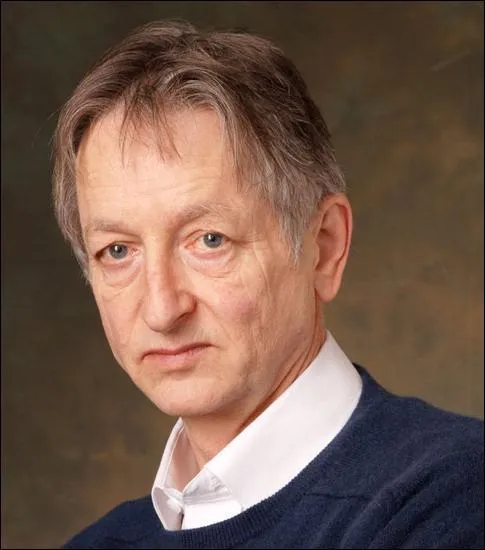
- Strong identity match: Keeps the person looking like themselves, even with big head turns or partial blocks on the face.
- Attribute preservation: Holds fine details like makeup, skin tone, lighting, and face shape.
- Fast results: Produces high-quality 512×512 images in about 0.6 seconds.
- Works in tough scenes: Handles extreme angles, complex lights, and items blocking the face.
- Style-friendly: Works with sketches, watercolor, 3D renders, and cartoon-style targets.
- Multi-person support: Can swap faces in group photos too.
If you are curious about the new video-focused version, check our short overview of the upgrade here: what’s new in the DreamID video version.
DreamID: The Future of Identity-Preserving Image Generation Use Cases
- Portrait touch-ups: Keep the person’s identity while improving poses, lighting, or style.
- Media production: Help with film/TV frames, ad shots, and magazine covers where consistency matters.
- Stylized art: Swap faces into drawings, paintings, or 3D scenes for playful edits and pre- work.
- Group photos: Create fun swaps across multiple people in the same picture.
Performance & Showcases
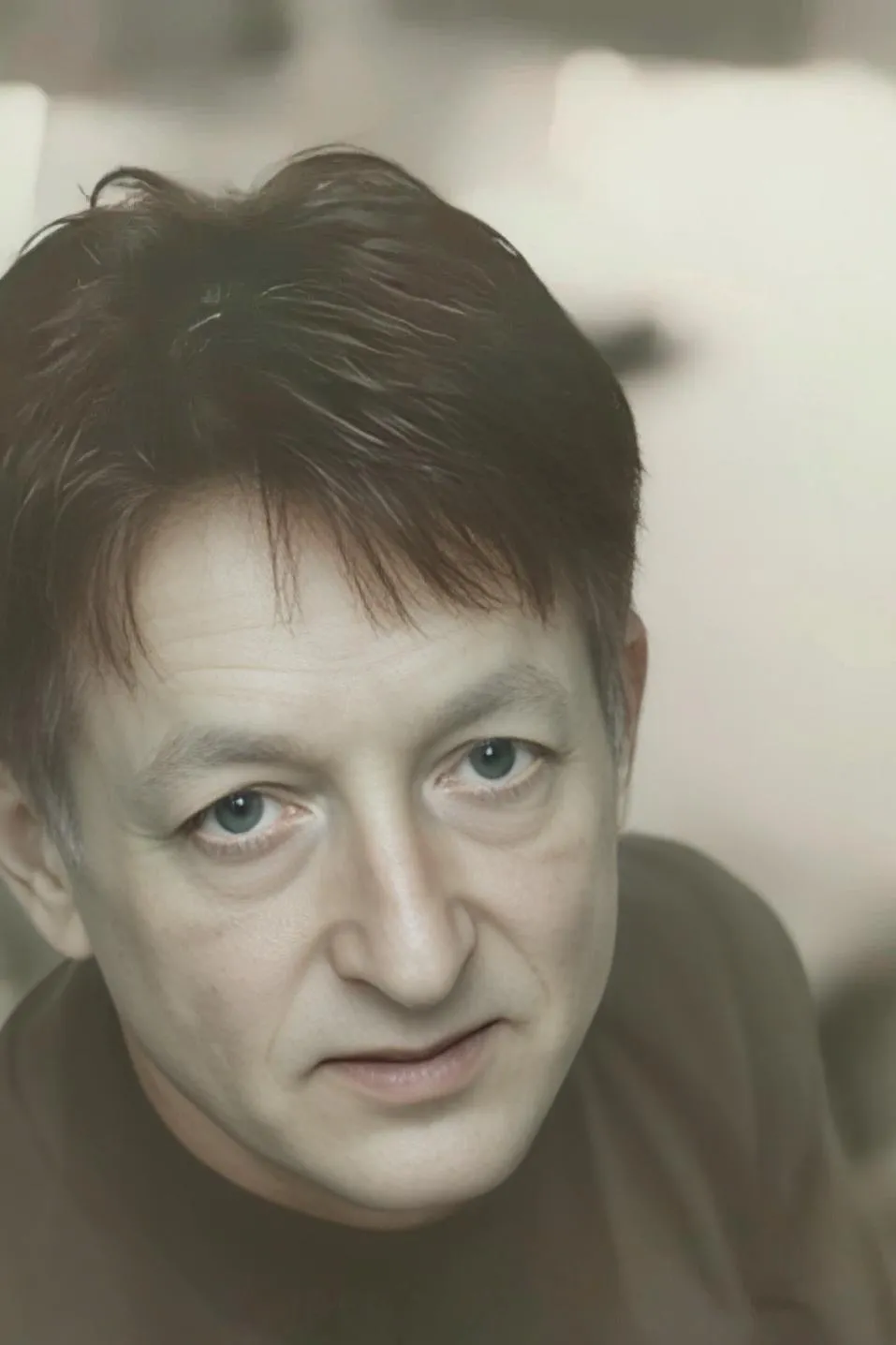
DreamID reaches high-quality results while staying very fast. It produces 512×512 images in about 0.6 seconds and keeps identity, face shape, pose, and expression intact. Tests show strong results even in hard cases like complex lighting, large angles, and occlusions.
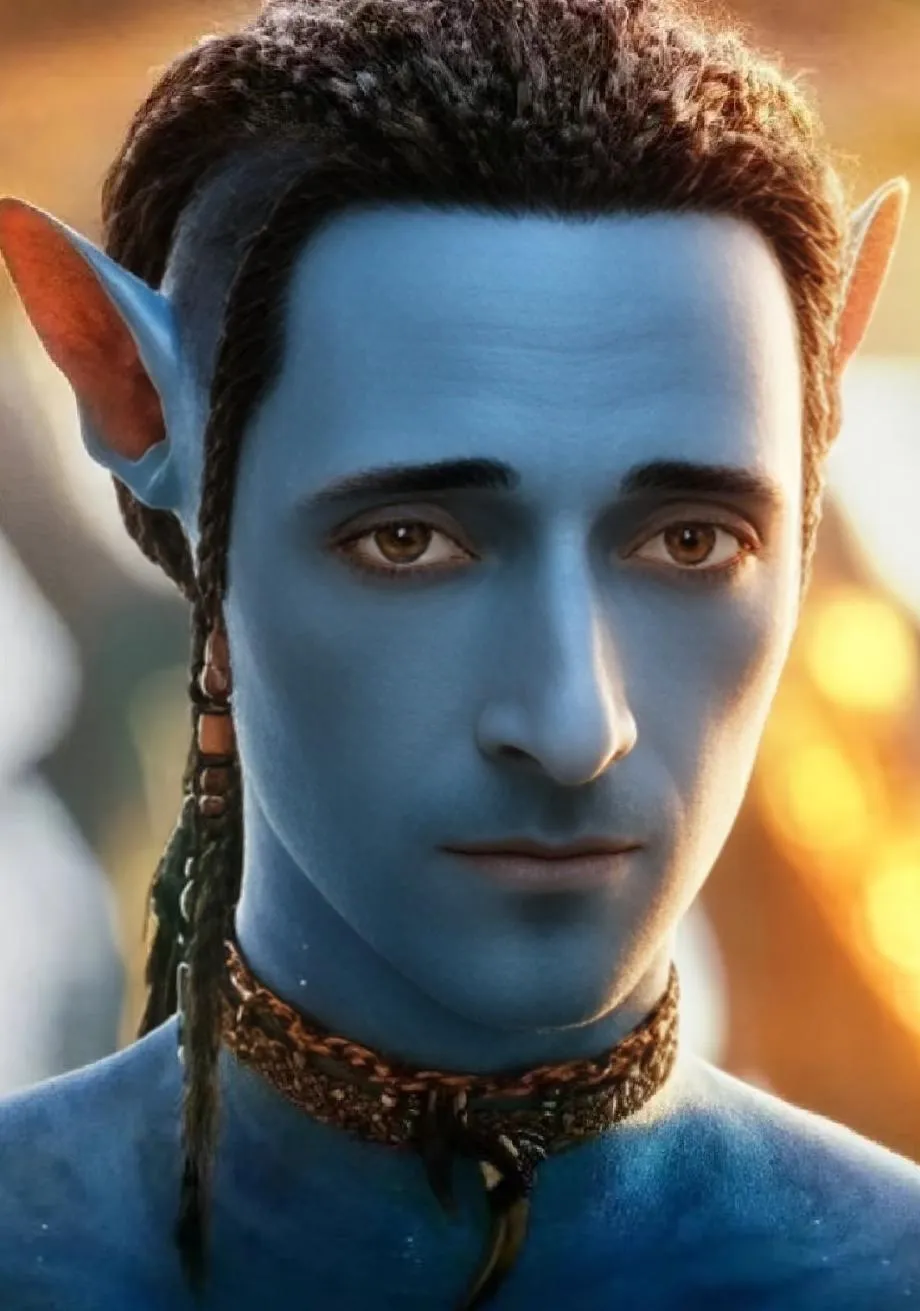
It also works well on stylized targets, such as sketches, watercolor, and 3D/cartoon renders. The method is stable on both stylized target images and stylized user images.

For readers exploring video creation tools, you might also like our quick guide on a different system for videos: Goku video generation notes.
How DreamID Works
DreamID learns with “Triplet ID Group” training. This means the model sees two images of the same person (A1, A2) and one image of a different person (B). A helper swap model then makes a target image, and the system learns to match identity and attributes more directly and clearly.
To make training faster, the team uses a one-step diffusion base called SD Turbo. This lets the model train with pixel-level losses in a direct way and makes it quick in practice.
Inside the model:
- SwapNet is the main engine that does the face swap.
- FaceNet extracts pixel-level identity details from the user image.
- ID Adapter extracts higher-level identity cues, like overall face traits. These parts work together to keep identity strong while fitting the new scene.
Getting Started: Try DreamID in Dreamina
DreamID is available in Dreamina by ByteDance. Here is the simple flow based on the project’s guide.
Step 1: Upload your own image
- Open the image generator and choose Generate.
- Upload a clear photo of the person you want to swap in.
Step 2: Write your prompt and generate
- Type what you want to see in the result (scene, style, mood).
- Pick model and image ratio options as needed, then run the generation.
Tip: Use sharp, well-lit photos to get the best identity match. Keep faces large and clear in the frame.
The Technology Behind It (In Simple Terms)
- Triplet training: By comparing same-person and different-person pairs, the model learns what “makes you, you.”
- Dual identity paths: Pixel-level features and high-level features both guide the swap, so tiny details and global traits align.
- One-step diffusion: The SD Turbo base keeps quality high while cutting the steps down, so results come fast.
Tips for Best Results
- Input quality matters: Use high-resolution, front-facing photos with neutral light.
- Match angles when you can: If the target face angle is similar to the source, identity match can look even better.
- Try different prompts: Small changes in wording can shift style and lighting while keeping identity strong.
FAQ
Does DreamID support group photos?
Yes. It can handle multi-person scenes and create swaps across a group picture.
Can it work on drawings or 3D renders?
Yes. It works with stylized targets like sketches, watercolor, 3D, and cartoon images.
How fast is it?
For a 512×512 image, it takes around 0.6 seconds in the reported setup.
Do I need to install anything to try it?
No. You can try it in Dreamina’s image generator by uploading your photo and writing a prompt.
Image source: DreamID: The Future of Identity-Preserving Image Generation