Goku: Mastering the Art of Flow-Based Video Generation
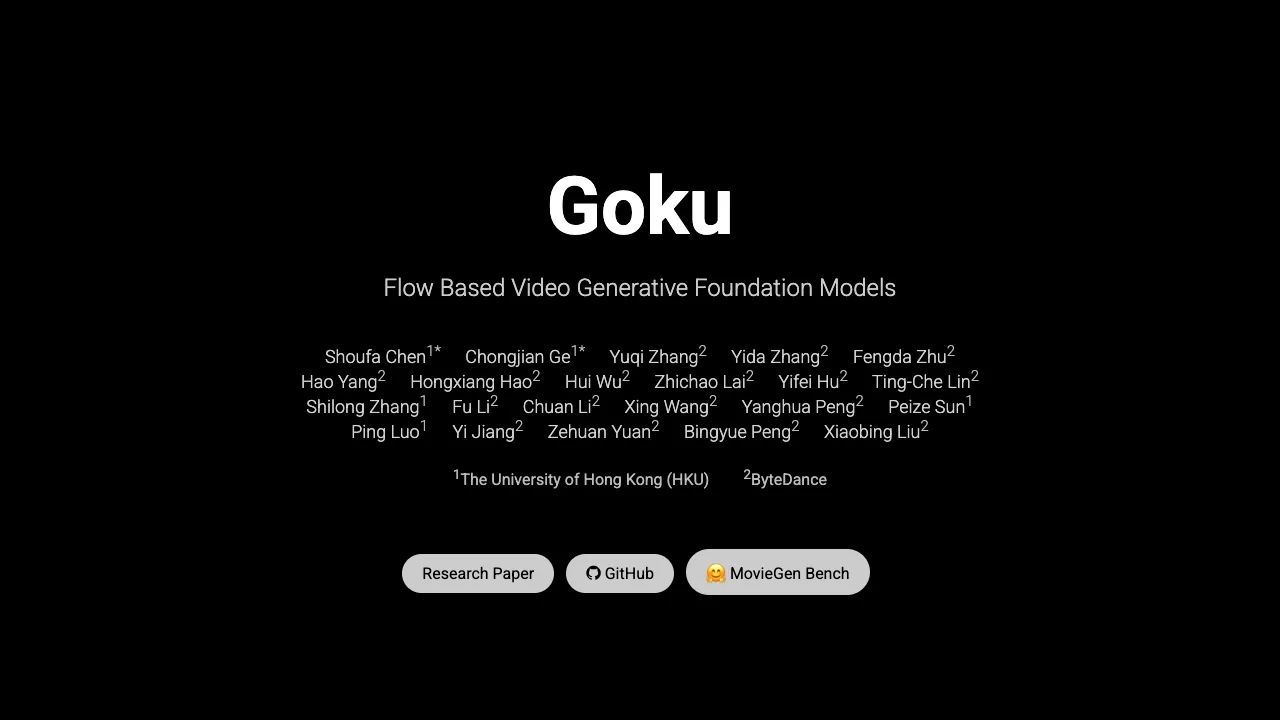
What is Goku: The Art of Flow-Based Video Generation
Goku is a family of AI models that can create both images and videos from text or an input image. It is built by researchers from The University of Hong Kong and ByteDance. The goal is simple: make clear, stable, and rich scenes that feel natural to watch, frame by frame.

Goku: The Art of Flow-Based Video Generation Overview
Goku is based on a method called rectified flow inside a Transformer. In plain words, it learns smooth changes across frames, so motion looks steady and subjects stay consistent. It supports text-to-video, image-to-video, and text-to-image in one family.
Project Overview Table:
| Item | Details |
|---|---|
| Type | Image-and-Video Generation Models (Flow-based Transformer) |
| Purpose | Create high-quality images and videos with steady motion and strong detail |
| Main Tasks | Text-to-Video, Image-to-Video, Text-to-Image |
| Standout Idea | Rectified flow to better connect image and video tokens |
| Data | Fine-grained image and video data curation for training |
| Team | HKU + ByteDance researchers |
| Benchmarks | GenEval: 0.76 (T2I), DPG-Bench: 83.65 (T2I), VBench: 84.85 (T2V) |
| Demos | Yes, short clips shown below |
| Website | Project page |
| Paper | arXiv: 2502.04896 |
Read More: Goku Ai
Goku: The Art of Flow-Based Video Generation Key Features
- One family, many tasks: make images from text, videos from text, and videos from images.
- Smoother motion: rectified flow helps connect frames so movement looks steady.
- Strong data pipeline: carefully selected image and video data for better detail and clarity.
- Scales well: designed for research and real production needs.
- Quality you can measure: high scores on public tests for both images and videos.
Goku: The Art of Flow-Based Video Generation Use Cases
- Short ads and clips where a script becomes a moving scene.
- Product explainers that start with a photo and show simple motion, like a turn or zoom.
- Education content with clear subjects and stable camera moves.
- Social posts that need 3–10 second loops with clean motion.
- Quick concept previews for film and creative teams.
Read More: Text To Video
How Goku Works (Simple View)
Goku learns how images change over time. It treats a video as many small steps and learns the “flow” from one step to the next. This helps keep faces, objects, and background details steady across frames.
Because images and videos share one model family, skill from still images can help videos, and skill from videos can help single images. This sharing raises overall quality. The Transformer acts like a careful planner that learns long-range links between parts of a scene.
The Technology Behind It
- Rectified flow: a training idea that guides how the model moves from noise to a clear picture or clip. This gives cleaner motion and better timing.
- Tokens that talk: the model lets image tokens and video tokens interact, so it keeps style and structure consistent.
- Strong data curation: the team cleans and filters large sets of images and videos, which cuts down on messy training signals and improves results.
Performance & Showcases
Goku reports strong public numbers: 0.76 on GenEval and 83.65 on DPG-Bench for text-to-image, and 84.85 on VBench for text-to-video. As of 2024-10-07, Goku-T2V ranks No. 2 on VBench, ahead of many well-known systems. Below are short demo slots from the project page.
Showcase 1 — Loading... ☕ This slot is labeled “Loading... ☕” on the project page and teases the model’s flow-based text-to-video skill. Expect steady motion and a clear subject across the clip.
Showcase 2 — Loading... ☕ The “Loading... ☕” tag marks another example where smooth camera moves and consistent subjects are the focus. It highlights short-form video quality.
Showcase 3 — Loading... ☕ Again tagged “Loading... ☕”, this example hints at stable object details frame by frame. It shows how Goku keeps a scene steady over time.
Showcase 4 — Loading... ☕ This “Loading... ☕” demo slot points to clean motion handling. It suggests how Goku maintains clarity even as the camera or subject moves.
Showcase 5 — Loading... ☕ Labeled “Loading... ☕”, this one suggests crisp textures with smooth motion. It is aimed at short clips with clear actions.
Showcase 6 — Loading... ☕ The last “Loading... ☕” slot hints at stable timing and consistent style. It shows how Goku can keep look and motion in balance.
Getting Started (Installation & Setup)
The public GitHub page does not yet list install commands or a runnable package. The team shares the paper, benchmarks, and demos, with more to come.
- Visit the project website for demos and updates.
- Watch the page for future downloads or instructions.
- When code is released, follow the exact steps there to set up your environment.
Step-by-Step: Try It Today (No Code Needed Yet)
- Explore demos on the project page to see motion quality and detail.
- Note the kinds of prompts or scenes you want to make, like “a corgi on a beach” or “a city river at night.”
- Prepare a small list of 3–5 prompts and one or two reference photos you might want to animate later.
Who Is Goku For?
- Creators who want short, clear clips from simple text.
- Teams that need both images and videos in one workflow.
- Researchers who care about steady motion and high benchmark scores.
Read More: Bytedance research overview
FAQ
What can Goku make?
Goku can make images from text, videos from text, and videos from a starting image. It is built to keep motion smooth and subjects steady.
Do I need special hardware?
For local runs in the future, a strong GPU will likely help a lot. For now, you can view demos on the website without any setup.
Can it make long videos?
The project focuses on short clips shown in demos. Longer clips may come later as models and releases grow.
Is it open to the public?
The website and paper are public. When full setup steps or models are ready, they will likely be shared on the same page.
Image source: Goku: ing the Art of Flow-Based Video Generation (https://saiyan-world.github.io/goku/)