Bringing Portraits to Life: The Power of X-Portrait 2 Expressive Animation
What is Bringing Portraits to Life: The Power of X-Portrait 2 Expressive Animation
Bringing Portraits to Life: The Power of X-Portrait 2 Expressive Animation is a tool that turns a single photo into an animated face that follows a person’s moves and emotions from a short video. You give it one portrait image and a “driving” video, and it creates a new video where the photo acts and reacts like the person in the driver clip.

Under the hood, it is powered by X‑NeMo, a research model from the team behind X‑Portrait. It keeps tiny face details like a pout, tongue-out, cheek puffing, and frowning, and it even handles fast head turns. If you want to see more work from this research group, here is a helpful overview: Bytedance.
Bringing Portraits to Life: The Power of X-Portrait 2 Expressive Animation Overview
Here is a quick summary of what the project is and what it can do.
| Item | Details |
|---|---|
| Project Name | X-Portrait 2 (powered by X‑NeMo) |
| Type | Research project with open-source inference code |
| Purpose | Animate a single portrait using a driving video, keeping emotions and tiny facial moves |
| Inputs | One static portrait image + one driving video |
| Output | An animated video of the portrait acting like the driver |
| Key Strengths | Subtle expression transfer, strong emotion carry-over, fast head movement support, works with real photos and cartoons |
| Core Pieces | Expression encoder + diffusion-based video generator |
| Style Control | Separates “how someone looks” from “how they move” |
| Platform | Python 3.9, works with CUDA 12.2 |
| Where to Try | Project page and open-source code (see Installation & Setup below) |
| Demo | Multiple showcase videos on the project page |
If you care about motion research more broadly, see our short read on related motion tools in our take on X‑Unimotion.
Bringing Portraits to Life: The Power of X-Portrait 2 Expressive Animation Key Features
- Reads tiny face changes and emotions. Pouting, tongue-out, cheek puffing, frowning, and small eyebrow moves carry over.
- Handles quick head motion. Shakes, nods, and turns still look stable in the final video.
- Works on both real photos and cartoon images. Style stays true to the input photo.
- Keeps the person’s look separate from motion. Only the “acting” from the driver is transferred.
- Built on a strong expression encoder and a modern diffusion-based video creator. This pairing helps make smooth, clear results.
- Fits many story formats. From short clips to character reels or on-screen agents.
How It Works (In Simple Words)
- First, the model studies the driver video to learn only the acting and expressions, not the person’s identity. This is called separating “appearance” from “motion.”
- Next, it takes the portrait photo and applies the learned moves and emotions to it. The person in the photo now “acts” like the driver.
- A powerful generator then creates each frame so the face looks stable across time and the emotions feel consistent.
The Technology Behind It
- Expression Encoder: Trained on large datasets, it picks up very small face signals from the driver video. It focuses on expression-related info only.
- Diffusion-Based Video Generation: This part turns the learned expressions into frames, then stitches them into a fluid output video.
- Strong Style Transfer: Because the system keeps look and motion apart, it can work on many styles, from real people to drawings.
Read More: Dplm 2
Installation & Setup (Getting Started with X‑NeMo Inference)
Below are the exact steps and commands from the official repository to run the demo code for X‑NeMo (the engine behind X‑Portrait 2).
1) Set up the environment
# Python 3.9, CUDA 12.2
conda create -n xnemo python=3.9
conda activate xnemo
pip install -r requirements.txt
2) Download pre-trained models
Please download Stable Diffusion 1.5 pre-trained model (i2v-xt and img-variations), and save it under "pretrained_weights/".
Please download X-NeMo pre-trained model from here, and save it under "pretrained_weights/".
Keep the folder names and paths the same as written. This helps the script find the files.
3) Run a quick test
bash eval.sh
This script runs the evaluation pipeline using the weights you placed in the pretrained_weights folder. It will produce example outputs to confirm your setup.
Bringing Portraits to Life: The Power of X-Portrait 2 Expressive Animation Use Cases
- Content creation: Turn a still photo into an expressive clip for a short story or ad.
- Character work: Animate concept art or a drawing to test timing, beats, and emotion.
- Virtual hosts and agents: Give a face to a voice for help desks or simple on-screen greetings.
- Education and research: Study expressions and timing in a controlled way without large shoots.
- On-screen effects: Match an actor’s performance to a stylized portrait for creative edits.
Performance & Showcases
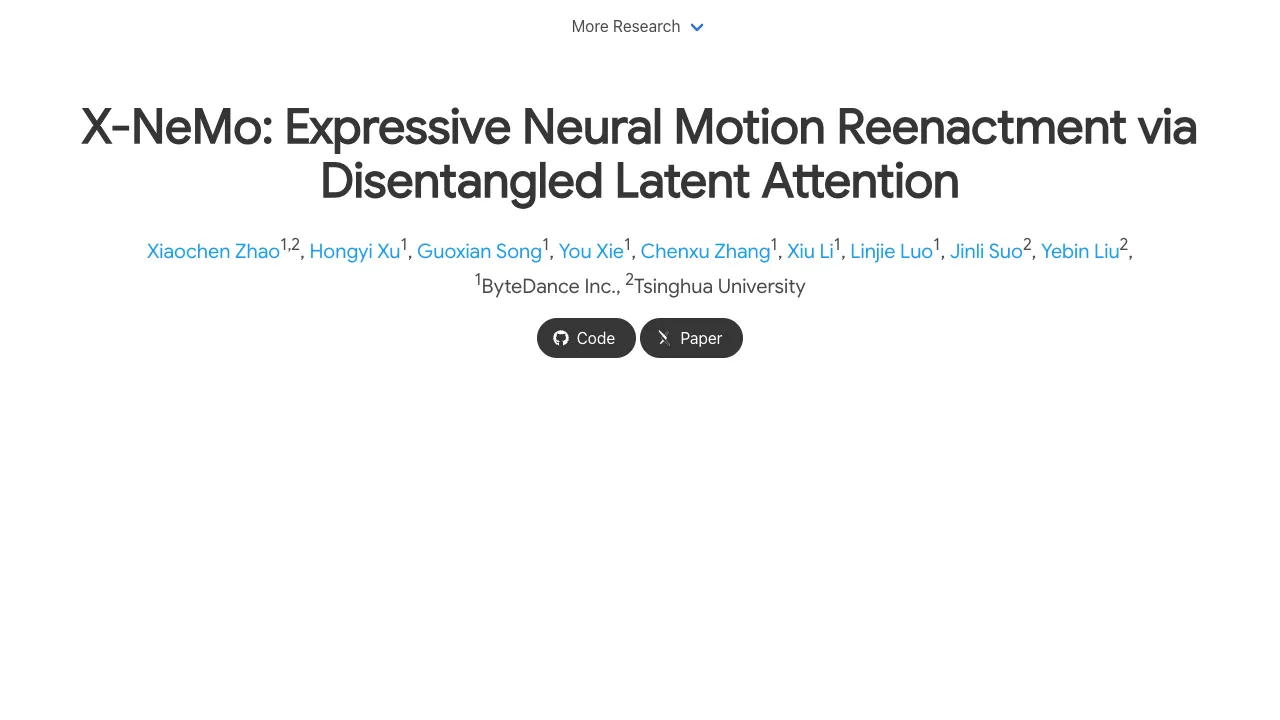
Showcase 1 — X‑NeMo: Expressive Neural Motion Reenactment via Disentangled Latent Attention. This clip highlights the core goal: preserve subtle acting and clear motion transfer from a driver video.
Showcase 2 — We introduce X-NeMo, which builds upon our previous work X-Portrait and brings the expressiveness of portrait animation to a whole new level. To achie. Watch how the method turns a still face into rich motion with fine emotion carry-over.
Showcase 3 — We introduce X-NeMo, which builds upon our previous work X-Portrait and brings the expressiveness of portrait animation to a whole new level. To achie. You can see quick head moves and tiny mouth shapes remain steady through time.
Showcase 4 — We introduce X-NeMo, which builds upon our previous work X-Portrait and brings the expressiveness of portrait animation to a whole new level. To achie. This example shows expression detail on both real and stylized faces.
Showcase 5 — We introduce X-NeMo, which builds upon our previous work X-Portrait and brings the expressiveness of portrait animation to a whole new level. To achie. It keeps emotion and timing that match the driver clip closely.
Showcase 6 — We introduce X-NeMo, which builds upon our previous work X-Portrait and brings the expressiveness of portrait animation to a whole new level. To achie. The system can handle small shifts and larger turns without breaking the look.
Tips for Best Results
- Pick a clear portrait where the face is not cropped or blocked. Good lighting helps.
- Use a driver video with clear expressions and head turns you actually want to transfer.
- Keep the portrait style consistent with your goal. Real photo for real look, cartoon image for stylized output.
FAQ
What inputs do I need to create a video?
You need one static portrait image and one driving video. The tool reads the acting from the driver video and applies it to the photo.
Can it work on drawings or cartoons?
Yes, it supports both real portraits and cartoon images. The method keeps the look of the source while copying the motion.
Does it keep tiny expressions?
Yes. It can pick up small signals like pouting, tongue-out, cheek puffing, frowning, and more. These details show strongly in the output.
How do I try the code on my machine?
Follow the steps in Installation & Setup above. Create the conda environment, install requirements, place the pre-trained weights under pretrained_weights, and run bash eval.sh.
Is it fast to set up?
Setup is short if you already have Python 3.9 and CUDA 12.2. Most time goes to downloading the pre-trained weights.
Image source: Bringing Portraits to Life: The Power of X-Portrait 2 Expressive Animation