Mastering Style and Identity: The Power of USO in Image Generation
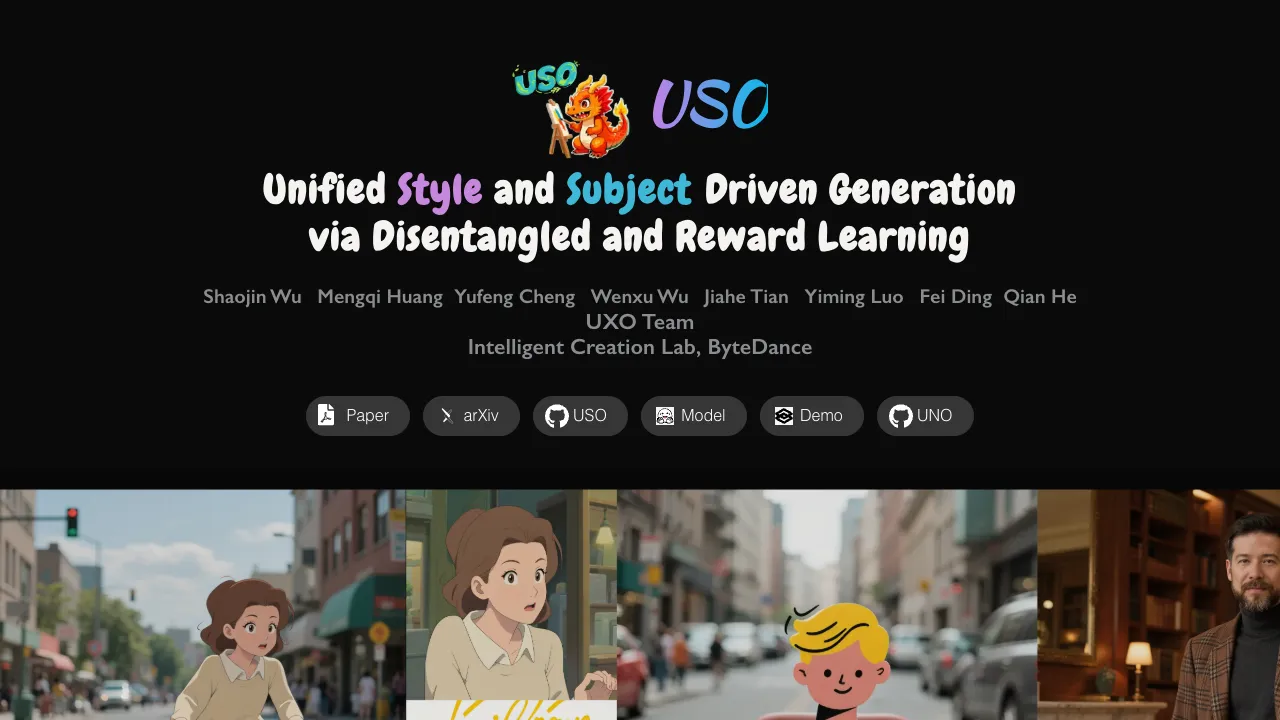
What is ing Style and Identity: The Power of USO in Image Generation
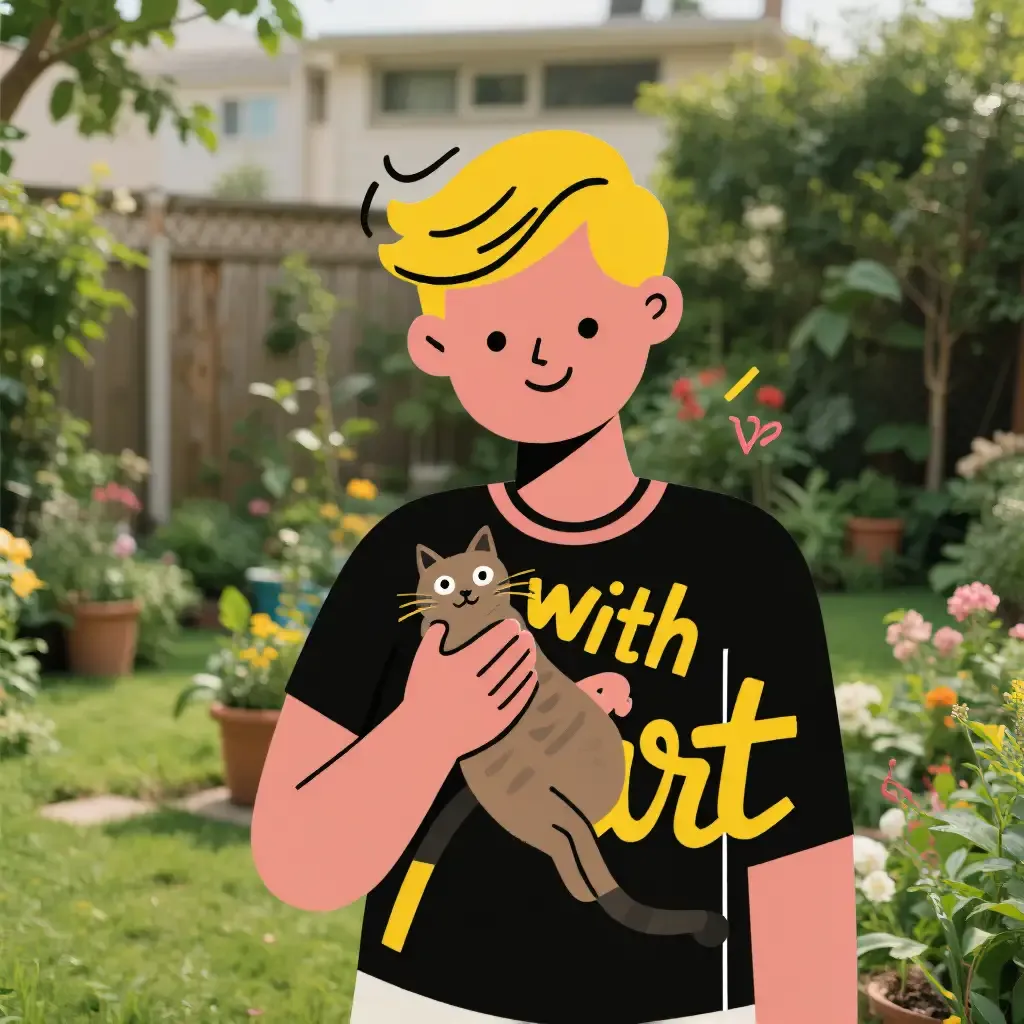
USO is a model that can mix who or what is in an image (the subject) with any art style you like. It aims to keep the person or object looking the same across images, while also sticking closely to the chosen style. It also keeps faces and people looking natural.

USO is part of the UXO family from ByteDance. The team plans to share training code, inference scripts, model weights, and datasets so more people can build on it.
ing Style and Identity: The Power of USO in Image Generation Overview
Here is a quick summary of the project to help you get started fast.
| Item | Details |
|---|---|
| Type | Image generation model (style + subject) |
| Purpose | Combine any subject with any style while keeping identity and style strong |
| Key Idea | Separate “content” (who/what) from “style” and then put them together cleanly |
| Main Features | High identity match, strong style match, natural portraits, single or multi-style input, prompt or layout control |
| Updates | ComfyUI support, demo release, fp8 low VRAM mode (~16GB peak), technical report |
| Supported Use | Subject-driven, style-driven, or both together |
| Inference | Simple Python script with prompt + image paths |
| License/Access | Weights via Hugging Face token (set in .env) |
| Team | UXO Team, Intelligent Creation Lab, ByteDance |
| Links | Project page and code are shared publicly |

If you are curious about more ByteDance tools and model families, see our overview here: ByteDance AI and creative tools.
ing Style and Identity: The Power of USO in Image Generation Key Features
-
Style + subject in one place: Mix any subject photo with any art style, in many scenes.
-
Strong identity: Keep the same face or object features across images.
-
Strong style: Match the chosen look closely, from painting styles to photo looks.
-
Natural portraits: Faces look natural, not plastic.
-
Works with one or more styles: You can add multiple style images at once.
-
Prompt or layout: Use a text prompt, or even keep the layout from a content image by using an empty prompt.
-
ComfyUI support: USO works inside ComfyUI with official examples.
-
Low VRAM mode: An fp8 mode targets about 16GB peak on consumer GPUs.

For more tutorials and model explainers, visit our home page: Omnihuman 1.Com.
ing Style and Identity: The Power of USO in Image Generation Use Cases
-
Portraits that keep the same person across many styles.
-
Brand identity studies with logos or mascots in different art looks.
-
Movie or game mood boards with tight style control.
-
Marketing images where the product stays the same, but the style changes per campaign.
-
Education and training material that needs style variety while keeping content stable.
-
Social media content with fast, on-style remixes.

Installation & Setup (Exact Steps)
Follow these steps exactly as shown. Do not skip any line.
Requirements and installation:
## create a virtual environment with python >= 3.10 <= 3.12, like
python -m venv uso_env
source uso_env/bin/activate
## or
conda create -n uso_env python=3.10 -y
conda activate uso_env

## install torch
## recommended version:
pip install torch==2.4.0 torchvision==0.19.0 --index-url https://download.pytorch.org/whl/cu124

## then install the requirements by you need
pip install -r requirements.txt # legacy installation command
Then download checkpoints:
# 1. set up .env file
cp example.env .env

# 2. set your huggingface token in .env (open the file and change this value to your token)
HF_TOKEN=your_huggingface_token_here

#3. download the necessary weights (comment any weights you don't need)
pip install huggingface_hub
python ./weights/downloader.py
- IF YOU HAVE WEIGHTS, COMMENT OUT WHAT YOU DON'T NEED IN ./weights/downloader.py
Getting Results: Inference Commands (Exact)
Start with these examples to try subject-only, style-only, both, and multi-style runs.
# the first image is a content reference, and the rest are style references.

# for subject-driven generation
python inference.py --prompt "The man in flower shops carefully match bouquets, conveying beautiful emotions and blessings with flowers. " --image_paths "assets/gradio_examples/identity1.jpg" --width 1024 --height 1024
# for style-driven generation
# please keep the first image path empty
python inference.py --prompt "A cat sleeping on a chair." --image_paths "" "assets/gradio_examples/style1.webp" --width 1024 --height 1024
# for style-subject driven generation (or set the prompt to empty for layout-preserved generation)
python inference.py --prompt "The woman gave an impassioned speech on the podium." --image_paths "assets/gradio_examples/identity2.webp" "assets/gradio_examples/style2.webp" --width 1024 --height 1024
# for multi-style generation
# please keep the first image path empty
python inference.py --prompt "A handsome man." --image_paths "" "assets/gradio_examples/style3.webp" "assets/gradio_examples/style4.webp" --width 1024 --height 1024

# for low vram:
python infe
Tip: Make sure the first path is the subject/content image. Leave it empty for style-only runs.
How It Works (Simple View)
USO treats content (who/what is in the image) and style (how it looks) as two parts. It learns to separate them, then put them back together in a clean way.
The team built a large triplet dataset: content image, style image, and the final styled result. Training has two goals at once: align style features and keep content apart from style features.
A reward step for style is added to boost the final match with your chosen look. This gives strong identity and style at the same time.
Read More: Goku Video Generation
Performance & Showcases
USO aims for high subject consistency and strong style match, even at higher resolutions like 1024x1024. With fp8 mode, many home GPUs can try it with about 16GB peak memory use.
It also runs inside ComfyUI with an official tutorial and sample workflows, so no heavy coding is needed to try common pipelines.
Tips for Best Results
-
Content first: When mixing subject and style, place the subject image first, then style images.
-
Style-only: Leave the first image path empty for pure style runs.
-
Layout keep: For layout-preserved results, set the prompt to empty in the style+subject example.
-
Multi-style: You can pass more than one style image for blended looks.
-
VRAM: Try the low VRAM mode if your GPU is tight on memory.
What’s New
-
USO demo is live and ready to test.
-
ComfyUI native support with example workflows.
-
fp8 low memory mode added (~16GB peak).
-
Technical report and project page are published.
-
A related family model, UMO, focuses on multiple identities and subject-driven tasks.
FAQs
What kinds of inputs does USO need?
You can give a subject image and one or more style images. You can also use only style images by leaving the first image path empty.
Can I keep the layout of my subject image?
Yes. Use the style+subject command and set the prompt to empty. This keeps the layout of the subject image.
Do I need a very strong GPU?
Not always. There is an fp8 mode that targets around 16GB peak memory, which helps many home GPUs run it.
Where do I put my Hugging Face token?
Copy example.env to .env and set HF_TOKEN=your_huggingface_token_here. Then run the weight downloader script.
Does it work with ComfyUI?
Yes. USO has native ComfyUI support with an official tutorial and sample workflows in the repo.
Can I blend more than one style?
Yes. You can pass multiple style images in the command to mix styles.
Image source: ing Style and Identity: The Power of USO in Image Generation