PartCrafter: Redefining the Future of Structured 3D Mesh Generation
What is PartCrafter: Redefining the Future of Structured 3D Mesh Generation
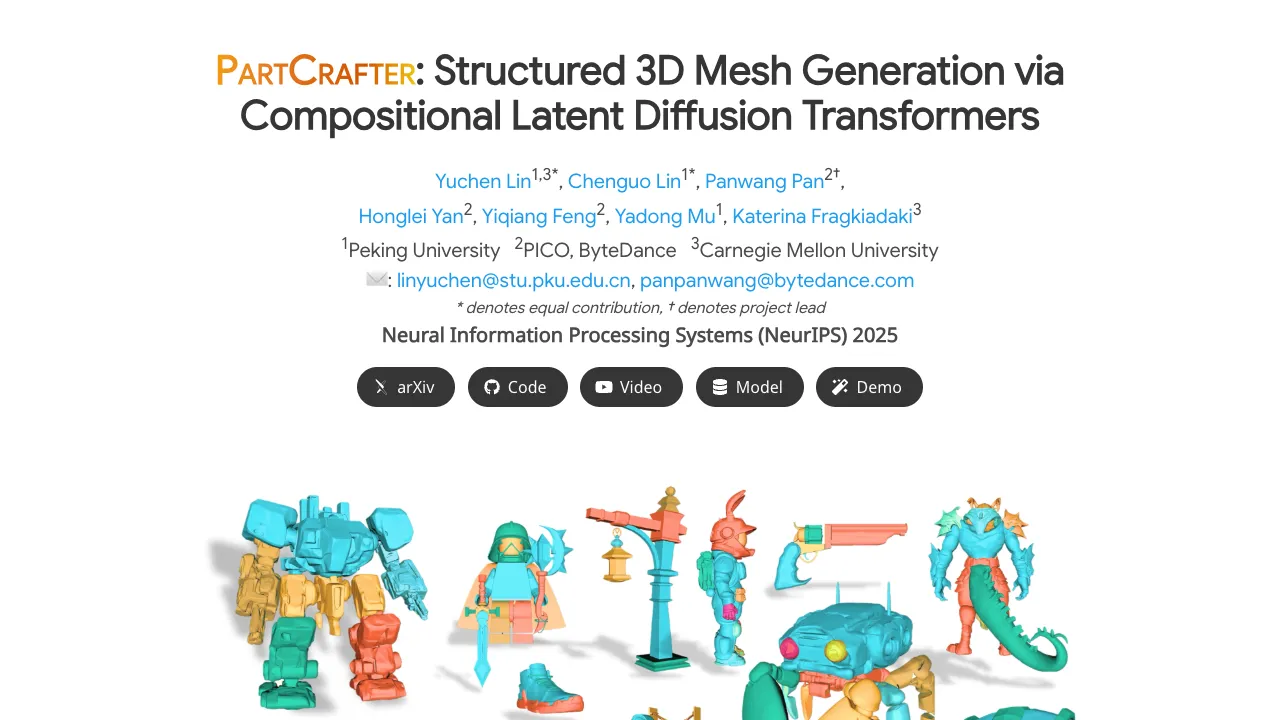
PartCrafter is a research project that turns one photo into a full 3D object made of clear, separate parts. Think of a chair with seat, legs, and back, each as its own clean 3D mesh ready for editing. It can also build simple 3D scenes with several parts at once.
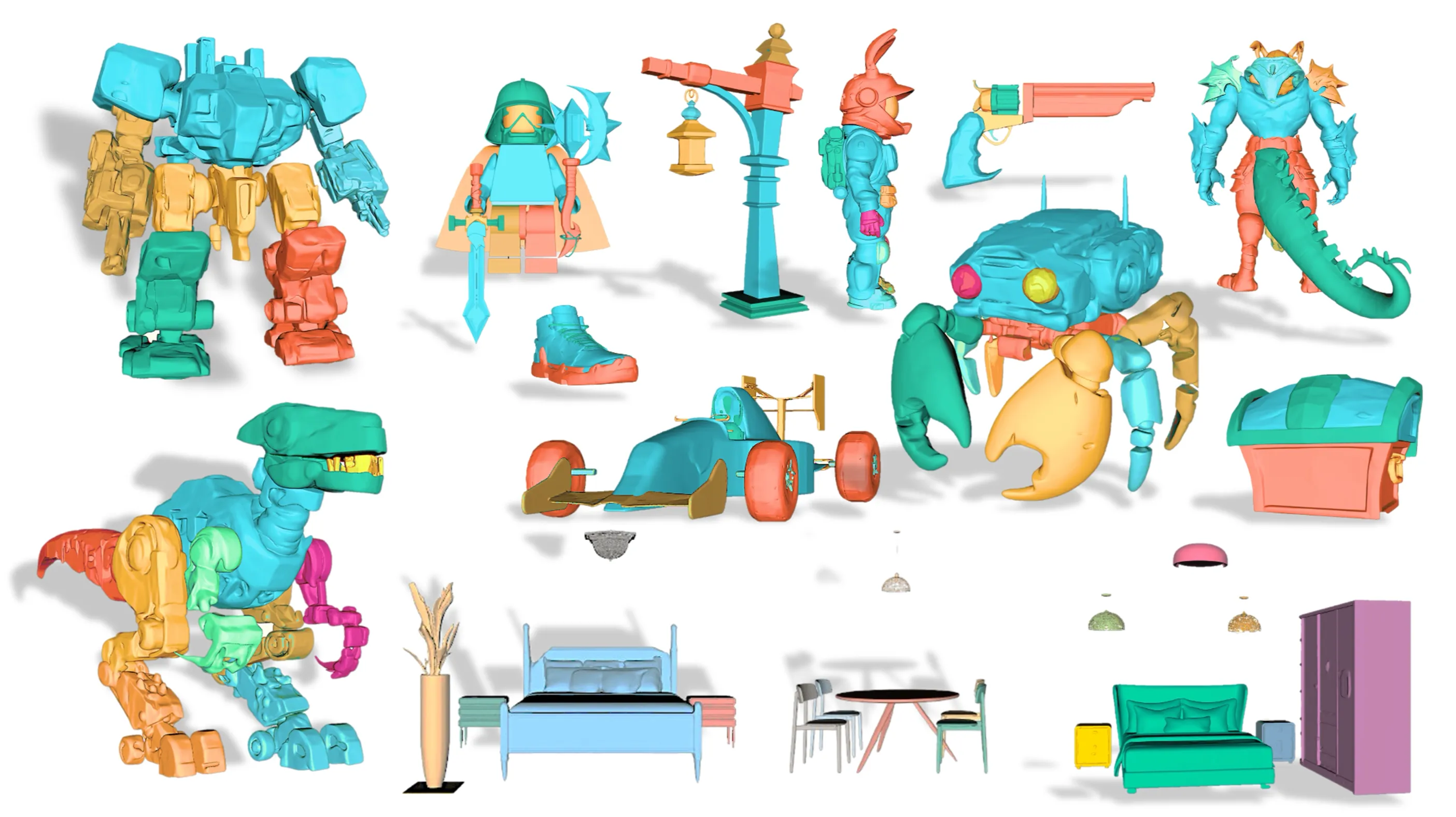
Instead of first cutting the image into pieces and then rebuilding, PartCrafter does all parts together in one pass. This helps the final 3D result feel consistent as a whole while still keeping small details in each part. It is built on top of a model that already knows how to make whole 3D shapes and adds a new way to think about parts and how they connect.
PartCrafter: Redefining the Future of Structured 3D Mesh Generation Overview
Here is a quick look at the project in one place.
| Project Item | Detail |
|---|---|
| Name | PartCrafter |
| Type | Structured 3D mesh generator (research) |
| Purpose | Generate multiple clean 3D parts from a single RGB image |
| Input | One image (RGB) |
| Output | Several 3D meshes, each a meaningful part |
| Main Features | Part-aware 3D generation, joint multi-part synthesis, part tokens, global-and-local attention, new part-level dataset |
| Works On | Individual objects and simple multi-object scenes |
| Demos | Public showcase videos |
| Project Page | https://wgsxm.github.io/projects/partcrafter/ |
| Ideal For | 3D artists, product teams, AR/VR prototyping, education and research |
If you enjoy clear, plain-language explainers on creative AI, check our notes and tools on Omnihuman 1.Com.
PartCrafter: Redefining the Future of Structured 3D Mesh Generation Key Features
- One image in, many parts out. The system builds several meshes at once and keeps them aligned as one object or small scene.
- Part-aware tokens. Each part is encoded by its own small set of tokens, which helps keep shape details tidy and separate.
- Global plus local attention. Parts talk to each other for whole-object consistency, while also keeping strong detail inside each part.
- Clean, decomposable output. Each mesh part can be edited, textured, or replaced without breaking the rest.
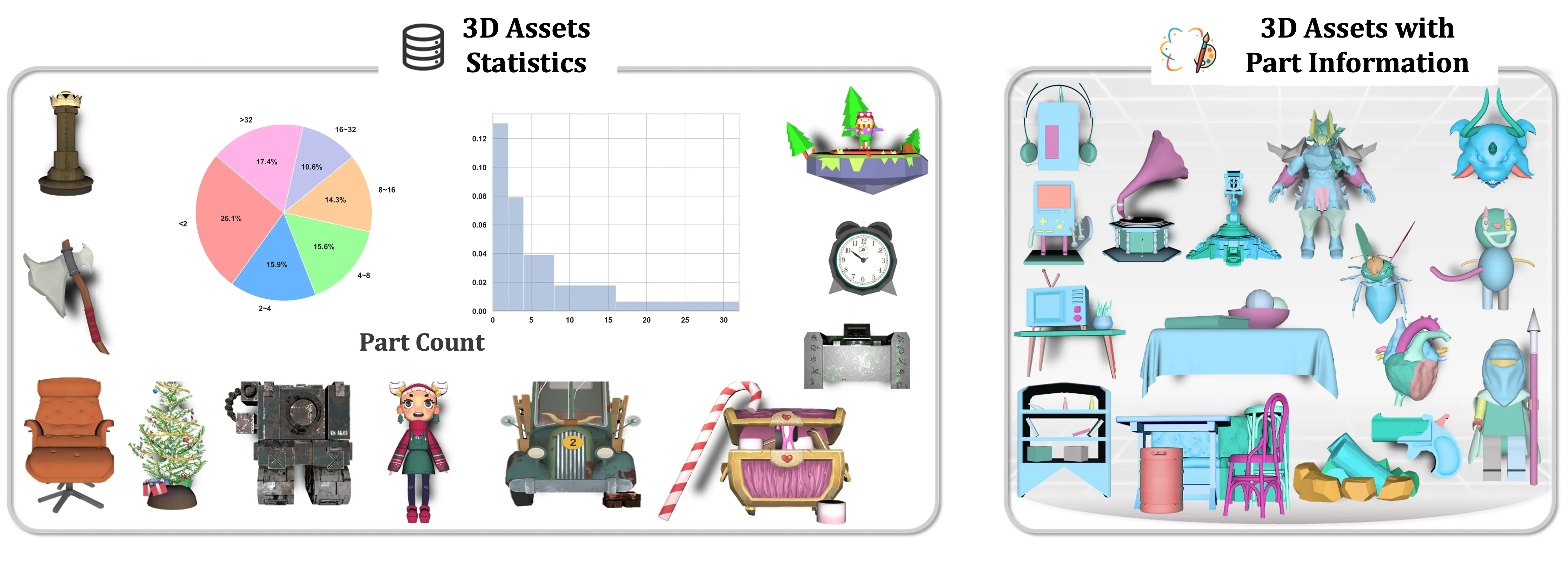
- New curated data. The team mined large 3D datasets for part labels to teach the model how real objects are split into parts.
- Works without pre-segmented input. You do not need to pre-cut the image; the system figures out parts during generation.
How It Works
- Step 1: You provide a single RGB image of an object or a simple scene.
- Step 2: The model represents each potential part with a small bundle of “part tokens.” These tokens carry the shape idea for that part.
- Step 3: A global-and-local attention process refines all parts together. This keeps the whole object coherent while each part keeps its own fine structure.
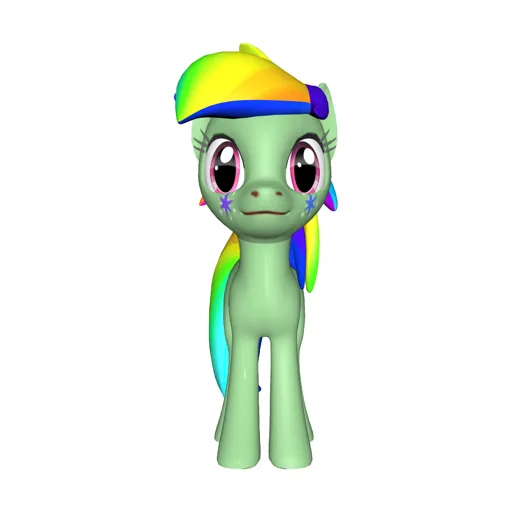
- Step 4: The system denoises the tokens into meshes, producing separate 3D parts that fit together.
- Step 5: You can export the parts for editing, assembly, or quick 3D layout.
For a broader view on major AI builders, here’s a short company profile to explore: Bytedance overview.
The Technology Behind It
PartCrafter builds on a 3D mesh model trained on full objects and reuses its encoder and decoder. On top of that, it adds a “compositional latent space,” which means each part gets its own tokens so shapes do not get mixed up. This keeps parts tidy.
It also adds a “hierarchical attention” pattern. In simple words, parts share info when needed (for size, symmetry, and alignment), while each part still focuses on its own edges and curves. The team also curated a part-labeled dataset from large 3D sources so the model could learn how real objects split into meaningful pieces.
If you like seeing how AI creates 3D or video from simple inputs, you may also enjoy our short look at a creative video model here: Goku Video Generation.
PartCrafter: Redefining the Future of Structured 3D Mesh Generation Use Cases
- 3D asset creation: Turn quick reference photos into editable, part-based meshes for design and concept work.
- Product design: Export part meshes to test styles, proportions, and joinery before CAD cleanup.
- AR/VR prototyping: Build early scene drafts with objects split into parts that can be swapped or adjusted.
- Education: Show students how complex shapes break into components they can study and change.
- Robotics and simulation: Use separate parts for collision, grasp planning, or motion tests.
Performance & Showcases
Showcase 1 — Image to 3D Part-Level Object Generation 📝 Image to 3D Part-Level Object Generation 📝 shows how a single photo can become a set of matched 3D parts. The demo highlights clean separation of components and strong shape alignment. You can see parts hold detail yet still fit together as one object.
Showcase 2 — Image to 3D Part-Level Object Generation 📝 Image to 3D Part-Level Object Generation 📝 focuses on objects with several distinct sections. The model keeps global size and symmetry while refining each piece. The result is a neat, editable part layout.
Showcase 3 — Image to 3D Part-Level Object Generation 📝 Image to 3D Part-Level Object Generation 📝 demonstrates varied shapes and materials from everyday items. Each part remains a separate mesh for easy editing or retexturing. The whole item keeps a consistent form.
Showcase 4 — Image to 3D Part-Level Object Generation 📝 Image to 3D Part-Level Object Generation 📝 shows how the system handles complex silhouettes. Parts stay stable during denoising, keeping edges and curves intact. The pieces align to form a balanced final object.
Showcase 5 — Image to 3D Part-Level Object Generation 📝 Image to 3D Part-Level Object Generation 📝 highlights part count variety and structure quality. You can observe how the model distributes detail across parts. This makes later edits faster and cleaner.
Showcase 6 — Image to 3D Part-Level Object Generation 📝 Image to 3D Part-Level Object Generation 📝 illustrates consistent results across categories. The model balances global shape and local details during joint generation. Parts remain separate and reusable.
Real-World Photos In, 3D Parts Out
PartCrafter can work with real images by styling them closer to 3D renders before generation. This can help the system read shape, edges, and shading more clearly. The end result is still a set of separate 3D parts.
Getting Started
- Explore the demos and details on the project page: https://wgsxm.github.io/projects/partcrafter/. You can watch sample results and read more about the method.
- If code, models, or weights are released later, follow the steps listed on that page. Always use the exact commands the authors provide.
- For ongoing AI coverage, tools, and simple explainers, visit our main hub at Omnihuman 1.Com.
FAQ
What makes PartCrafter different from single-mesh 3D tools?
PartCrafter builds many meshes at once, each mapped to a clear part. This makes editing, replacing, or recombining parts simple.
Does it need an image that is already split into parts?
No, you give it a single image. The model figures out part grouping during generation.
Can it handle multi-object scenes?
Yes, it can create small scenes made of several parts. The attention process helps keep the scene consistent.
What kind of data helped it learn parts?
The team curated part labels from large 3D datasets. This teaches the model common part splits, like legs, handles, or shelves.
Do I need pro 3D skills to use the results?
No, the parts are clean to export and edit in common 3D tools. You can swap pieces, change scale, or retouch with basic skills.
Image source: PartCrafter: Redefining the Future of Structured 3D Mesh Generation