MagicAvatar: Multimodal Avatar Generation and Animation
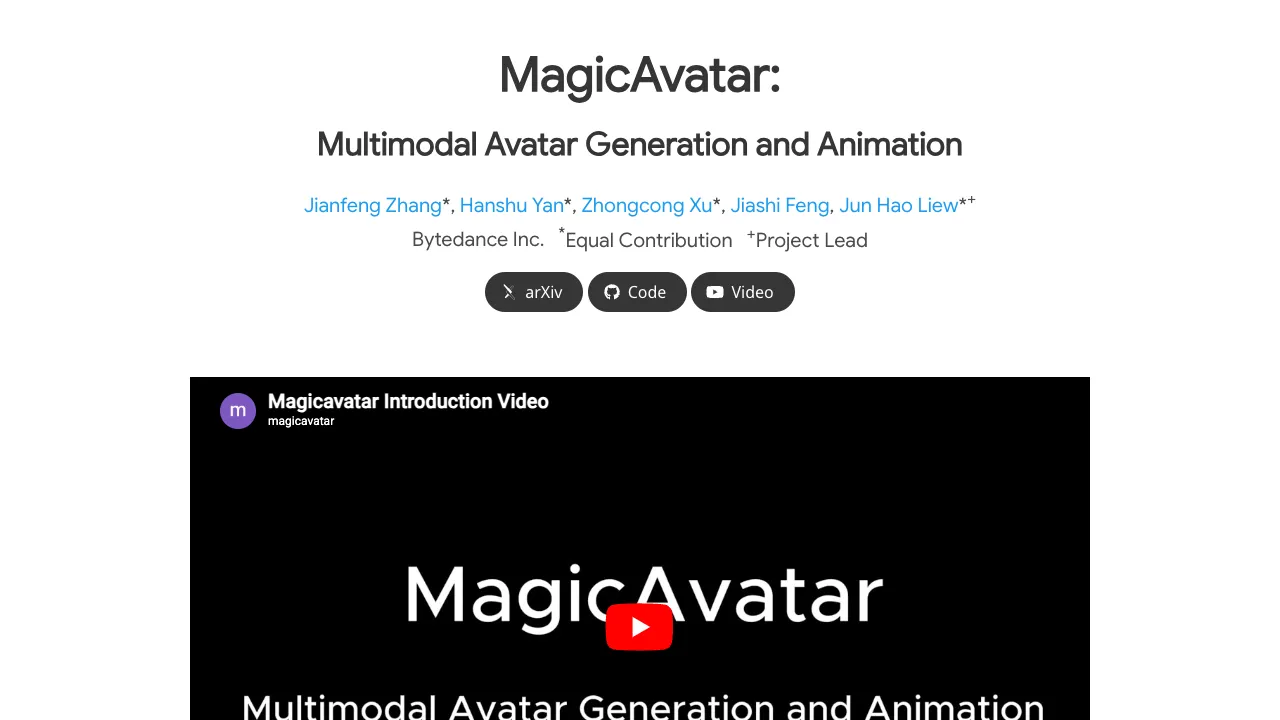
What is MagicAvatar: Multimodal Avatar Generation and Animation
MagicAvatar is a research project from ByteDance that turns text, video, and soon audio, into animated avatars. You describe a scene or provide a short clip, and the system creates a moving character that follows that action.
MagicAvatar: Multimodal Avatar Generation and Animation Overview
MagicAvatar focuses on easy avatar creation and animation from simple inputs. It supports text-guided generation, video-guided generation, and subject-specific animation, with audio-driven features noted as coming soon.
| Field | Details |
|---|---|
| Type | Research project and demo framework |
| Purpose | Turn text, video, and audio (coming soon) into moving avatars |
| Inputs | Text prompts, source videos, subject identity; audio planned |
| Outputs | Animated avatars and short video clips |
| Main Features | Text-guided avatar generation, video-guided avatar generation, multimodal avatar animation, audio-guided avatar generation (coming soon) |
| Organization | ByteDance Inc. |
| Authors | Jianfeng Zhang, Hanshu Yan, Zhongcong Xu, Jiashi Feng, Jun Hao Liew |
| First Release | 2023 (research page) |
| Status | Public research page with demos; no installation instructions published |
| Project Page | https://magic-avatar.github.io/ |
For a short primer from our team, see our Magicavatar note.
MagicAvatar: Multimodal Avatar Generation and Animation Key Features
- Text-guided avatar generation: Type a brief prompt and get a moving avatar that matches your words.
- Video-guided avatar generation: Upload a source video; the avatar follows the same motion.
- Multimodal avatar animation: Keep a subject’s look and animate it with a driving signal or motion cue.
- Audio-guided avatar generation (coming soon): Create an avatar from audio input.
If you enjoy video creation experiments, see our quick look at a fun demo in Goku video generation.
MagicAvatar: Multimodal Avatar Generation and Animation Use Cases
- Social content: Make short character clips for posts, stories, and reactions.
- Education: Create motion examples for dance, sports, and acting practice.
- Marketing: Produce quick avatar teasers without hiring actors.
- Film pre-ization: Sketch out character motion before a full shoot.
- Creator tools: Build a unique on-screen persona for streaming or tutorials.
Performance & Showcases
Showcase 1 — Create avatar(s) with simple text prompts.
Showcase 2 — Create avatar(s) with simple text prompts.
Showcase 3 — Create avatar(s) with simple text prompts.
Showcase 4 — Create avatar(s) with simple text prompts.
Showcase 5 — Create avatar(s) with simple text prompts.
Showcase 6 — Create avatar(s) with simple text prompts.
How MagicAvatar Works
- It reads your input: text, a source video, or a subject identity plus a driving signal.
- It turns that input into a motion signal. Think of this as instructions for how the body should move.
- It then generates an avatar and applies the motion to it, producing a short clip that follows your idea.
The Technology Behind It (In Simple Words)
MagicAvatar is a multi-modal system. That means it can understand more than one type of input, like text and video.
- Text input is turned into action and style (e.g., “kicking,” “on a basketball court”).
- Video input gives the system a motion example to follow.
- For subject animation, the system keeps the person’s identity while applying a new motion cue.
To learn how this compares with other ByteDance avatar tools, see our brief write-up in this Magic Avatar overview.
Getting Started (No Install Needed Right Now)
At the time of writing, the public page shows demos and results but does not list install steps or code to run. You can still explore results and examples now.
Simple steps:
- Visit the project page: https://magic-avatar.github.io/
- Try the text-guided examples and video-guided samples.
- Check back for updates about audio input and any future releases.
Practical Tips for Best Results
- Keep text prompts short and clear. For example: “An astronaut, kicking, in volcano.”
- If you use video input, pick clips with clear, readable motion.
- For subject animation, prepare a clean subject image or clip so the system can keep identity details well.
Example Ideas to Try
- Sports: “A basketball player, doing moonwalk, on a basketball court.”
- Action: “A brave firefighter, punching a bag, in a burning building.”
- Dance: “A group of k-pop stars, dancing, in volcano.”
- Calm scenes: “A yoga practitioner, practicing yoga poses, peaceful garden view.”
Who Is This For?
- Creators and influencers who want fresh character clips.
- Educators who need quick motion demos.
- Marketers and studios building fast concept previews.
FAQ
Can I type any prompt?
Yes, but short, clear text works best. Describe subject, action, and scene in a few words.
Can I make the avatar follow a real video?
Yes. With video-guided generation, the avatar copies the motion from your source clip.
Will audio input work?
Audio-guided avatar generation is marked “coming soon.” Keep an eye on the project page for updates.
Do I need to install anything?
No public install steps or code are listed right now. You can still view demos on the project site.
Can it keep a specific person’s look?
Yes. The multimodal animation examples show subject identity preserved while changing the motion.
Image source: MagicAvatar: Multimodal Avatar Generation and Animation