Mastering the Lens: How CameraCtrl II Unlocks Large-Scale Dynamic Scene Exploration
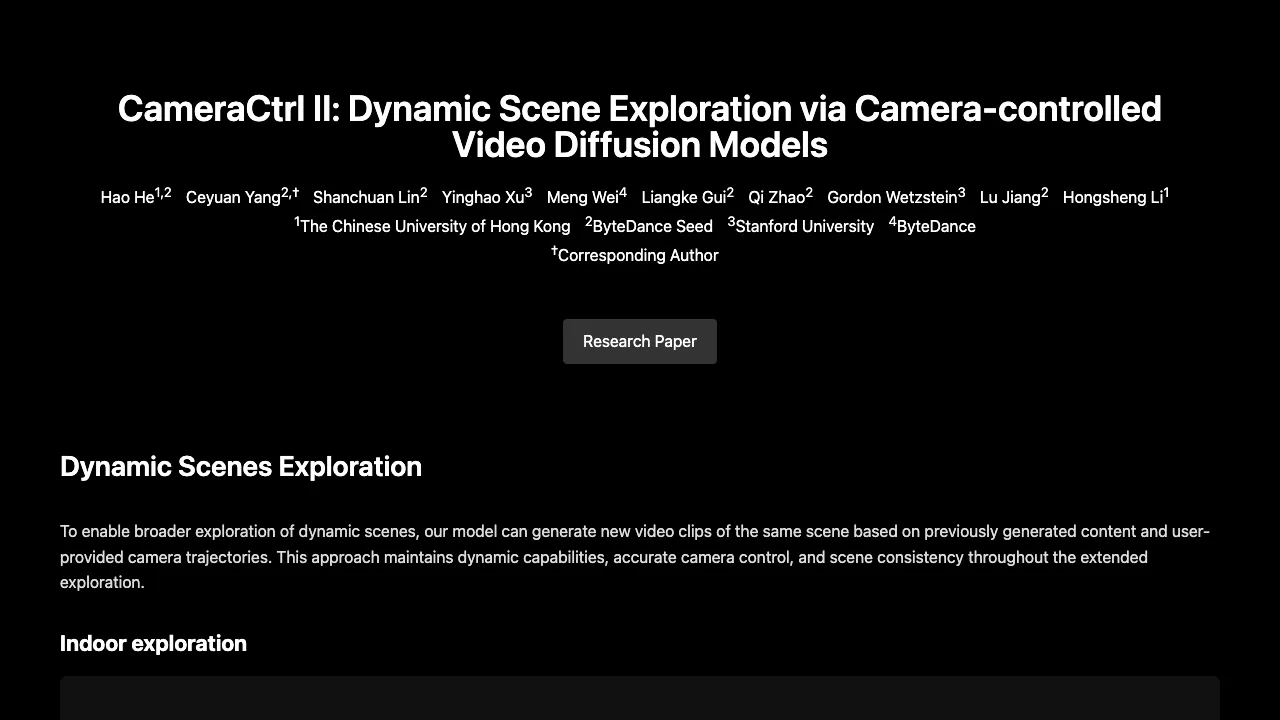
What is CameraCtrl II: How it Unlocks Large-Scale Dynamic Scene Exploration
CameraCtrl II is a research project that creates long, moving videos of the same place while you control the camera path. It keeps the scene steady, lets objects move, and follows the camera you choose.

CameraCtrl II Overview
This project comes from a group of researchers at The Chinese University of Hong Kong, ByteDance, Stanford University, and ByteDance Seed. It uses a camera-controlled video model to build new clips of the same scene step by step. The result is smooth travel through big indoor and outdoor spaces with strong 3D consistency.
| Item | Details |
|---|---|
| Type | Research project and video generation system |
| Purpose | Explore large, moving scenes with user-controlled camera paths |
| Main Features | Camera control, scene consistency across clips, works indoors and outdoors, strong 3D consistency for 3D rebuilds |
| Inputs | A starting video or generated clip plus a user camera path (trajectory) |
| Outputs | New video clips that extend the same scene |
| Key Strength | Keeps the same place and style while people, cars, water, and other parts keep moving |
| 3D Support | Strong 3D consistency that enables 3D reconstruction and point clouds |
| Demo Media | Multiple scene demos (hotel lobby, park walk, city streets, and more) |
| Project Page | Public showcase page with videos and paper |
| Contributors | Hao He, Ceyuan Yang, Shanchuan Lin, Yinghao Xu, Meng Wei, Liangke Gui, Qi Zhao, Gordon Wetzstein, Lu Jiang, Hongsheng Li |
| Institutions | The Chinese University of Hong Kong, ByteDance Seed, Stanford University, ByteDance |
Read More: ByteDance
CameraCtrl II Key Features
- Camera control you can trust: guide where the camera goes, and the system follows your path.
- Long scene exploration: create more clips of the same place based on earlier outputs.
- Stable scene over time: the room, road, or market stays steady while actions continue.
- Indoor and outdoor reach: hotel lobbies, parks, town streets, and more.
- 3D consistency: good for 3D rebuilds and point clouds from the generated videos.
- Flexible scenes: modern cities, historic streets, cozy rooms, and even voxel worlds.
For a short background take from our team, see this quick brief: our CameraCtrl II notes.
CameraCtrl II Use Cases
- Film pre-ization: plan a moving shot through a hall or street before filming.
- Virtual tours: move through hotels, museums, or campuses with a guided camera.
- Design and layout checks: walk through indoor spaces or outdoor plans to spot issues.
- Education and storytelling: build scene journeys for lessons or short stories.
- 3D asset prep: create steady, multi-angle clips to help 3D rebuilds.
Performance & Showcases
Showcase 1 — Hotel Lobby Exploration This demo shows a calm, wide hotel lobby with the camera moving through open space and around seating or decor. It highlights how the scene stays the same across steps while the camera keeps going.
Showcase 2 — Walking in Park This clip takes you through a park path with trees and people. The camera move stays under control, and the park remains the same place across new clips.
Showcase 3 — European Road Here the model follows a street walk with buildings, cars, and people. The camera control keeps the view steady as the scene continues to unfold.
Showcase 4 — Mediterranean Market Street This demo moves along a bright market street with shops and foot traffic. It shows how the system holds the street’s look as motion and details continue.
Showcase 5 — Foggy London Railway Station This clip shows a station setting with thick fog and historic mood. The camera path carries the viewer through the space while the scene remains consistent.
Showcase 6 — Street View before Dawn This video explores a street in early light with calm movement. It shows low-light tone control while keeping the same scene over time.
How It Works
- Start from a clip of a place, or let the system make a first short video of a scene.
- You provide a camera path (how the camera should move next).
- The model extends the video by following that path, one part at a time.
- It remembers the scene, so layout and style stay steady as new clips are added.
- Motion in the world continues, so people, cars, water, trees, and lights can keep moving.
The Technology Behind It
CameraCtrl II is a camera-controlled video model. It takes the camera path as an extra guide so it can place each next frame in the right spot. This keeps the whole scene steady as the camera travels.
Because frames line up well in 3D, the outputs can support 3D rebuilds. That means you can form point clouds from the generated videos. This is useful for further study, design checks, and content creation.
Getting Started
- Visit the project page to watch demos and read the paper.
- Note how the camera moves in each demo and how the scene stays consistent.
- If a public tool or code is shared on the project page, follow those steps to load a scene, set a camera path, and generate new clips.
- For 3D rebuilds, export the generated videos and run your preferred 3D tool that can form point clouds from multi-view clips.
Tips for Better Results
- Use slow, steady camera moves for clear frames.
- Avoid sharp turns in very short time spans.
- Keep paths that pass key parts of the scene from several angles to help later 3D work.
FAQs
What makes CameraCtrl II special?
It can grow one scene across many new clips while you guide the camera. The place looks steady across time, and motion in the world continues.
Can it work indoors and outdoors?
Yes. The demos show a hotel lobby, parks, city streets, and more.
How does the camera path help?
The camera path tells the system how to move next. It uses that to place each new frame so the scene lines up well.
Can I build 3D from the outputs?
Yes. The project shows strong 3D consistency, which helps create point clouds and 3D models from the videos.
What kind of content can it show?
It can show many styles: modern cities, old streets, cozy rooms, markets, and even voxel-style scenes.
Where can I learn more?
Watch the demos and paper on the project page. For related reading from our team, visit Omnihuman 1.Com.
Image source: ing the Lens: How CameraCtrl II Unlocks Large-Scale Dynamic Scene Exploration