Vanast: Explore Virtual Try-On with Human Image Animation
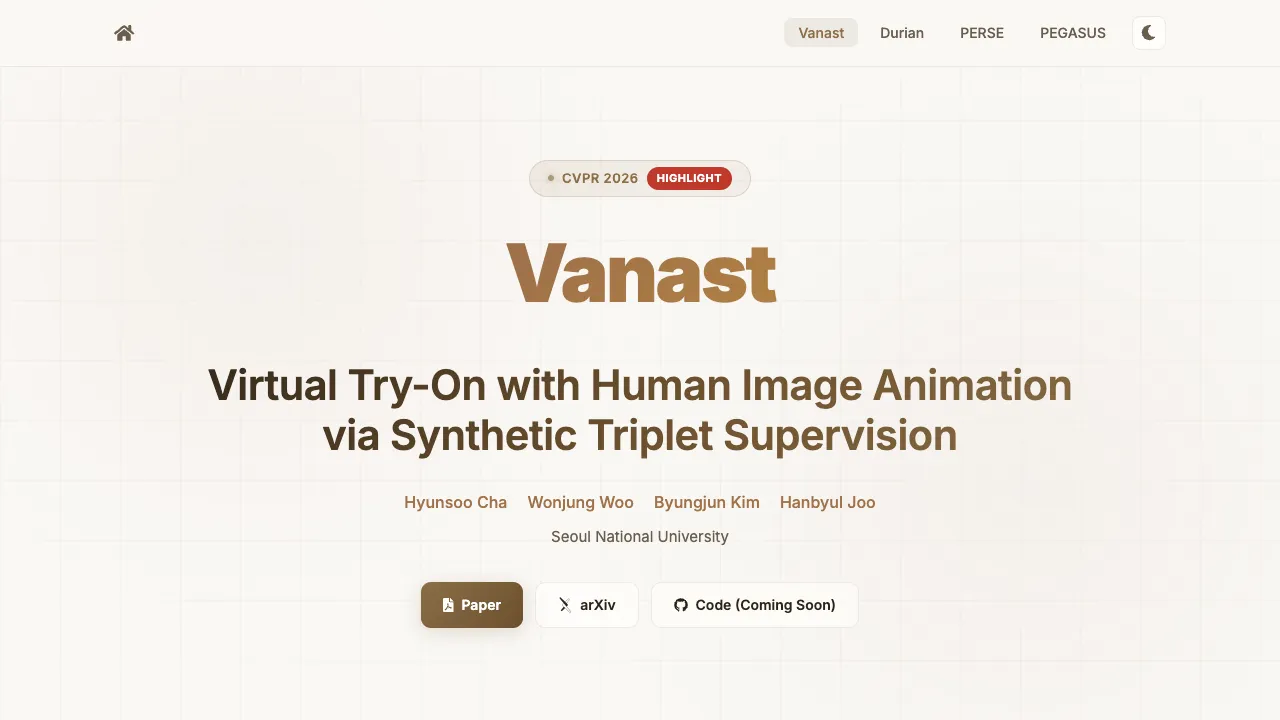
What is Vanast: Explore Virtual Try-On with Human Image Animation
Vanast is a research project that lets you try on new clothes in a video using just one photo of a person, a few photos of garments, and a short pose video. It keeps the person’s face and body identity the same while changing the outfit and making the person move like in the pose video.

The team from Seoul National University built it to fix common problems in try on tools like face drift or clothes that look warped. Vanast does the whole process in one step, so the final video looks consistent from start to end.
Vanast: Explore Virtual Try-On with Human Image Animation Overview
Here is a quick look at what the project is and what it offers.
| Item | Details |
|---|---|
| Type | Research project and demo videos |
| Purpose | Create a try on video from one person image, garment images, and a pose video while keeping identity |
| Inputs | One human image, one or more garment images, one pose video |
| Output | A full try on animation video |
| Main Features | One step pipeline, strong identity keep, wide garment coverage, works on videos, supports zero shot garment mix |
| Garment Types | Upper body, lower body, dress, hat, multiple garments at once |
| Extra Abilities | Works on in the wild images, can blend or switch garments across frames |
| Project Page | Visit the Vanast project |
| GitHub | View the Vanast GitHub repo |
| Authors | Hyunsoo Cha, Wonjung Woo, Byungjun Kim, Hanbyul Joo |
| Affiliation | Seoul National University, VCLab |
| Conference | CVPR 2026 Highlight |
| Project Status | Paper and page live. Inference code and pretrained weights planned for May 2026. |
If you are new to open source tools, see this simple guide on how projects are shared on GitHub basics.
Vanast: Explore Virtual Try-On with Human Image Animation Key Features
- One step from inputs to full video. No need to run separate tools for clothes transfer and body animation.
- Strong identity keep. The face and body stay true to the input person.
- Accurate clothes shape. Tops, pants, dresses, and hats hold their form and details.
- Pose guided video. The output follows the moves from a pose video.
- Works on many garment types. Upper body, lower body, dresses, hats, and more.
- Multiple garments at once. Swap tops and bottoms together or try full outfits.
- Zero shot garment blend. Mix or move between styles without extra training.
- In the wild support. Try on with casual photos that are not from a studio.
For a bigger picture on human centric AI topics, you can also read our friendly overview at Omnihuman 1 home.
Vanast: Explore Virtual Try-On with Human Image Animation Use Cases
- Online shopping try on. Show how a shirt, pants, or a dress would look in motion on a real person.
- Social content and styling. Create outfit reels from a single photo and a few garment shots.
- Brand lookbooks. Build moving catalogs that keep model identity while swapping full outfits.
- Fit checks. See how fabric drapes and moves across a range of poses.
- Creative mixing. Blend two garments or switch styles over time for smooth transitions.
If you follow big AI teams in media tech, you may like this related read on trends at ByteDance.
Performance and Showcases
Showcase 1 — TL;DR — Given a human image and one or more garment images, our method generates virtual try-on with human image animation conditioned on a pose video while preserving identity.
Showcase 2 — DEMONSTRATIONS Results
All result videos are complete zero-shot inference results not included in the training set, without any additional training or optimization.
Showcase 3 — DEMONSTRATIONS Results
All result videos are complete zero-shot inference results not included in the training set, without any additional training or optimization.
Showcase 4 — DEMONSTRATIONS Results
All result videos are complete zero-shot inference results not included in the training set, without any additional training or optimization.
Showcase 5 — DEMONSTRATIONS Results
All result videos are complete zero-shot inference results not included in the training set, without any additional training or optimization.
Showcase 6 — DEMONSTRATIONS Results
All result videos are complete zero-shot inference results not included in the training set, without any additional training or optimization.
How Vanast Works in Plain Words
You give three things. A clear photo of a person, pictures of the clothes you want to try, and a short video that shows the body movement you want.
Vanast then creates a new video in one step. It keeps the person’s look the same and moves the body like the pose video while putting on the chosen clothes.
This one step method helps avoid common errors. It reduces face changes and keeps the front and back of the clothes consistent.
The Technology Behind Vanast
The team built special training data called triplets. Each triplet links a person, the target clothes, and a pose target so the model learns to keep identity while changing outfits and motion.
They also designed a dual module inside a video model to keep training stable and to hold strong image quality. This helps the clothes look right, the pose match well, and the person’s identity stay true.
The research shows strong results across many garment types. It also supports mixing between clothing styles without extra training.
Installation and Setup
Right now, the paper and project page are live. The team plans to release inference code, pretrained weights, and a Gradio demo.
Here is how to get ready:
- Bookmark the project page: Vanast project.
- Watch the GitHub repo: Vanast on GitHub.
- Check back in May 2026 for code and weights.
- When the Gradio demo is live, you will be able to test with your own images in the browser.
If you are new to repos, see our easy starter on using GitHub.
Data and Training Idea in Simple Terms
Most older tools needed two separate steps. One to put the clothes on the photo, and another to make the body move.
Vanast teaches the model with triplets so it can learn the full process at once. This helps the final video keep identity and garment shape better.
Triplets also cover both top and bottom clothing and a wide set of real world photos. This makes the model more robust to many styles and scenes.
What You Can Do Today
- Watch all demos on the project page to see quality and garment reach.
- Collect your sample inputs. One clear face and body photo, flat garment shots, and a pose clip.
- Plan your testing once the demo or code is out, so you can try outfits fast.
FAQ
What inputs do I need to make a try on video
You need one person image, one or more garment images for the clothes you want, and a short pose video that shows the movement you want to follow.
Does it work with dresses and hats
Yes. The demos show tops, bottoms, dresses, and hats. It can also change multiple garments at once.
Do I need to train the model for my clothes
No. The demos show strong zero shot results. That means it can try new clothes that were not in the training set.
Is there a web demo I can use now
Not yet. The team plans to release a Gradio demo. Keep an eye on the project page for updates.
Can I run it on my own machine
The team plans to release inference code and weights. Once live, you will be able to run it by following their steps on GitHub.
Image source: Vanast: Explore Virtual Try-On with Human Image Animation