VMix: Redefining Text-to-Image Precision with Cross-Attention Control
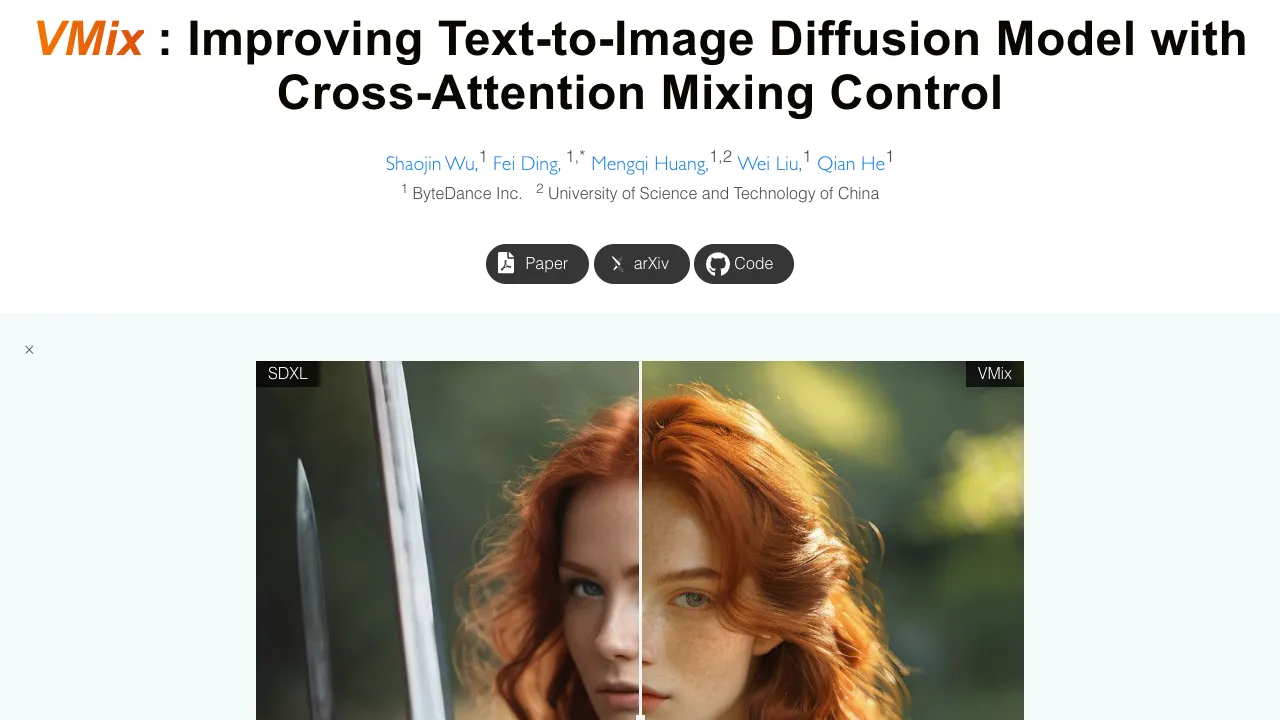
What is VMix: Redefining Text-to-Image Precision with Cross-Attention Control
VMix is a small add-on that helps text-to-image models make better looking pictures while still sticking closely to your prompt. It adds an extra “aesthetic” guide into the model so the final image looks cleaner, richer, and more pleasing.
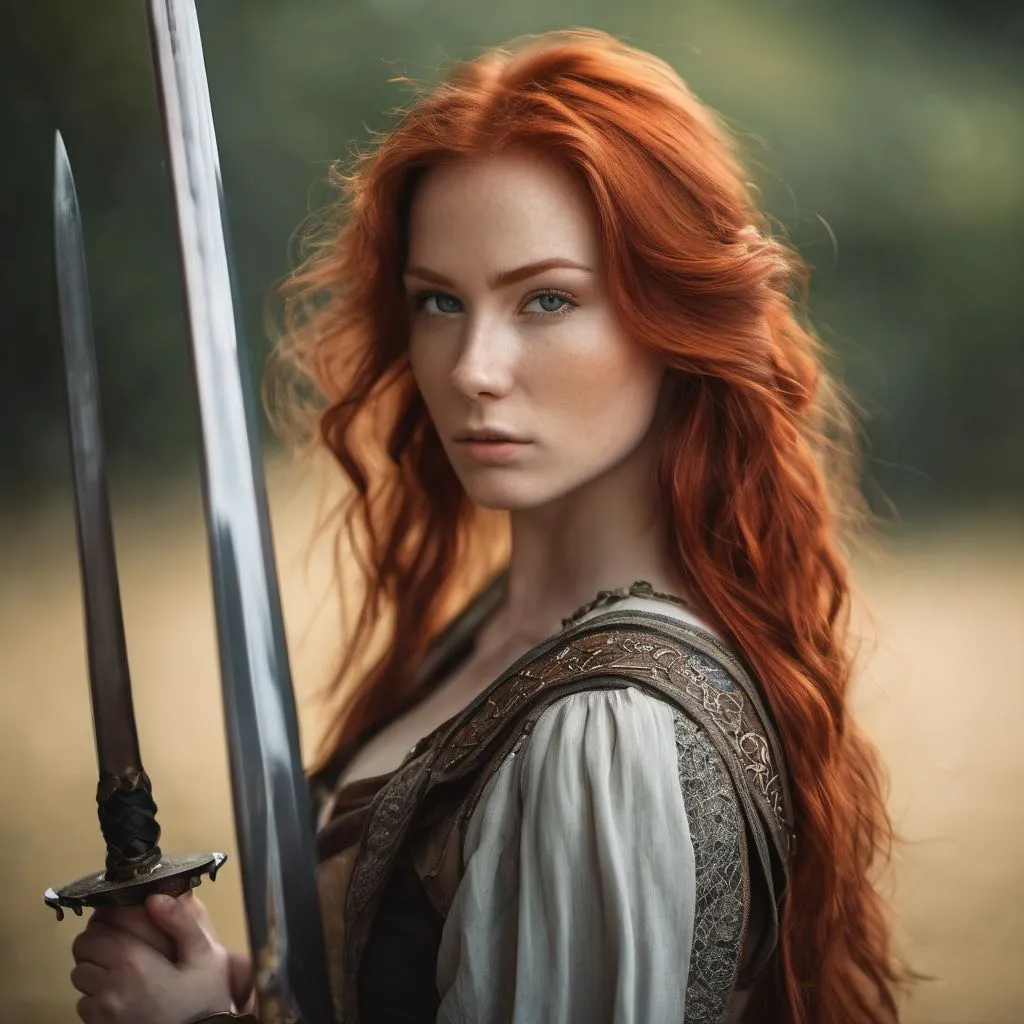
VMix comes from a team at ByteDance and the University of Science and Technology of China. It is designed to work with popular tools like SDXL and Stable Diffusion, and it plays nicely with extras such as LoRA, ControlNet, and IPAdapter. For more on the team’s background, see our short note on ByteDance background.
VMix: Redefining Text-to-Image Precision with Cross-Attention Control Overview
Here’s a quick look at the project details.
| Item | Details |
|---|---|
| Type | Plug-in “aesthetics adapter” for text-to-image diffusion models |
| Purpose | Boost image quality while keeping the prompt’s content accurate |
| Main Features | Value-mixed cross-attention control, prompt split into content + aesthetic parts, zero-initialized layers for stable start, no base retraining |
| Works With | SDXL, Stable Diffusion; community modules: LoRA, ControlNet, IPAdapter |
| Status | Paper released; inference code, checkpoints, and ComfyUI node planned |
| Training Need | Not required for your base model; VMix is designed as a plug-in |
| Ideal Users | Artists, marketers, product teams, creators, and researchers |
| Inputs | Text prompts (content words + aesthetic/style words) |
| Outputs | Higher quality, prompt-faithful images |
| Creator | Shaojin Wu, Fei Ding, Mengqi Huang, Wei Liu, Qian He |
| Organizations | ByteDance Inc.; University of Science and Technology of China |
| Project Page | vmix-diffusion.github.io/VMix/ (opens in a new tab) |
| GitHub | github.com/fenfenfenfan/VMix (opens in a new tab) |
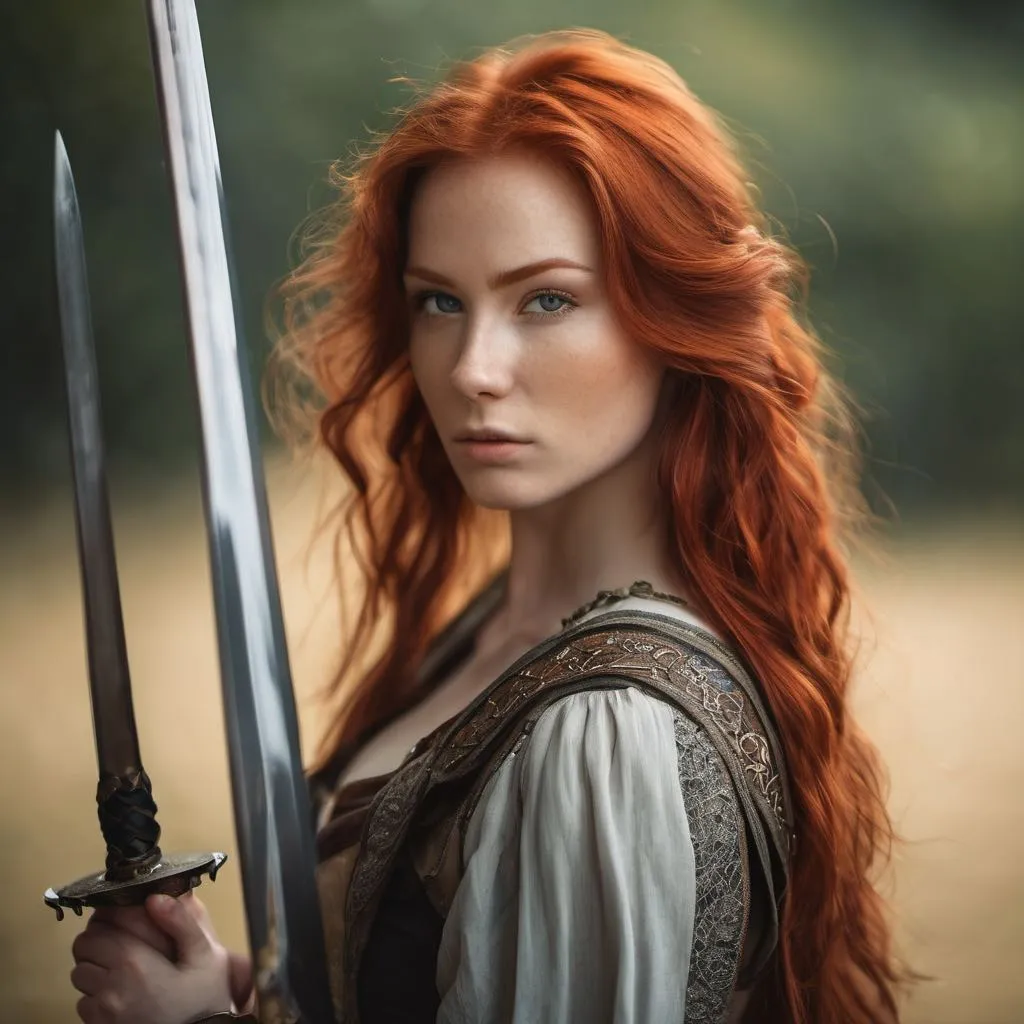
If you enjoy tools like this and want broader AI coverage, visit our site for more guides and updates.
VMix: Redefining Text-to-Image Precision with Cross-Attention Control Key Features
- Plug-in aesthetics adapter: Add it on top of SDXL or Stable Diffusion to improve looks with minimal fuss.
- Cross-attention control: Uses “value-mixed cross-attention” to blend in an aesthetic guide during image creation.
- Better prompt control: Keeps the “what” in your prompt correct while making the final picture more pleasing.
- Works with popular add-ons: Compatible with LoRA, ControlNet, and IPAdapter for stronger results.
- No base retraining: You do not need to retrain your main model to benefit from VMix.
VMix: Redefining Text-to-Image Precision with Cross-Attention Control Use Cases
- Product and brand images: Keep the product true to shape and color, while raising overall appeal.
- Posters and ads: Sharper details, richer tone, and a cleaner finish from the same prompt.
- Personal styles and characters: If you use LoRA or other personal add-ons, VMix can polish the final look.
- Social posts and blog art: More pleasing images that better reflect the message in your words.
If you plan to turn your prompts into short clips later, see our quick primer on text to video workflows.
How VMix Works (In Plain English)
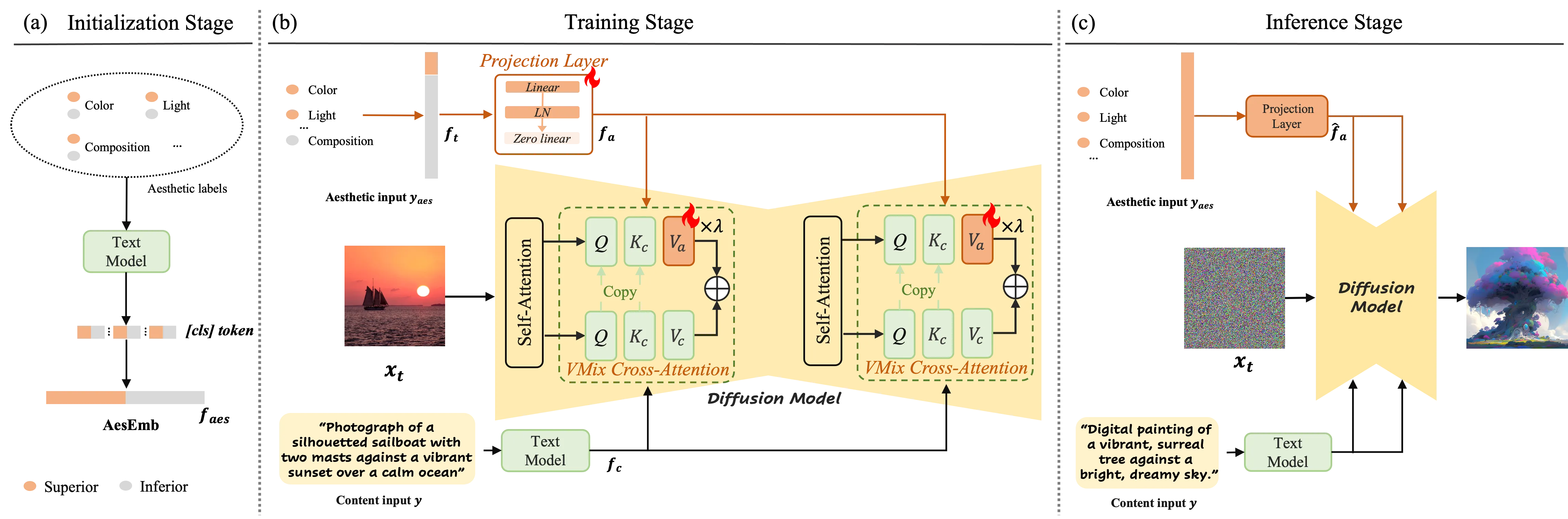
Most prompts mix two things: content words (what to draw) and style words (how it should look). VMix separates these two parts so the model can treat them differently.
During image creation, VMix adds the “aesthetic” part of your prompt at each step. It does this through a method called value-mixed cross-attention, which helps the model focus and polish the image at the right time.
The tiny extra layers inside VMix start at zero. That means VMix begins with no change and only adds improvements where it helps.
The Technology Behind It (Simple View)
- Prompt split: VMix sets up an “aesthetic embedding” so the model can use both content and aesthetic hints.
- Smart mixing: The model blends these hints during the denoising steps to raise image quality.
- Friendly with popular modules: It fits well with LoRA, ControlNet, IPAdapter, and community tools without extra training.
Performance & Showcases
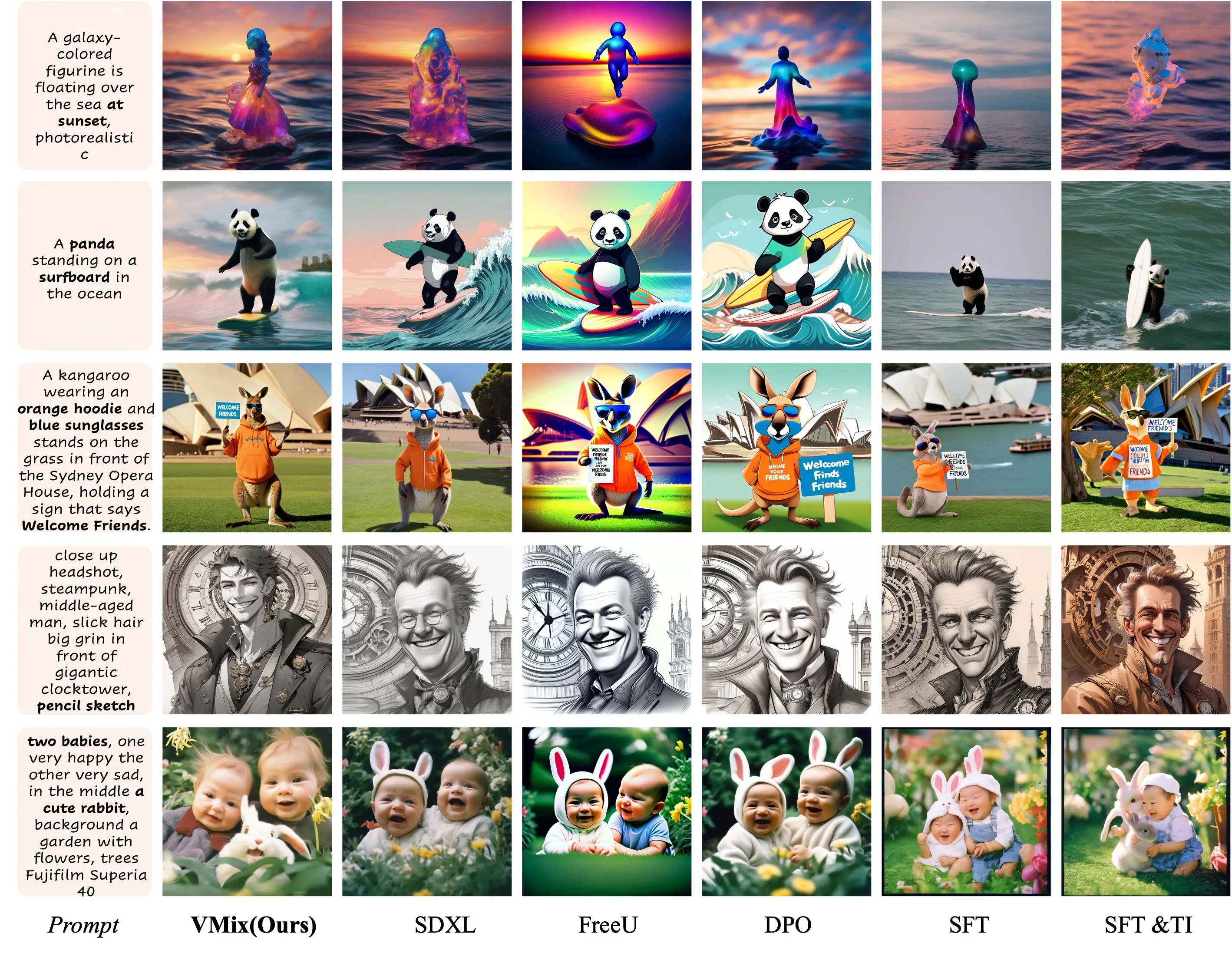
VMix helps pictures look cleaner and closer to what people like to see. Side-by-side tests on SDXL and Stable Diffusion show stronger details and better prompt following.
Here is a comparison against top methods based on Stable Diffusion. You can see clearer structure and improved finish on the right side with VMix.
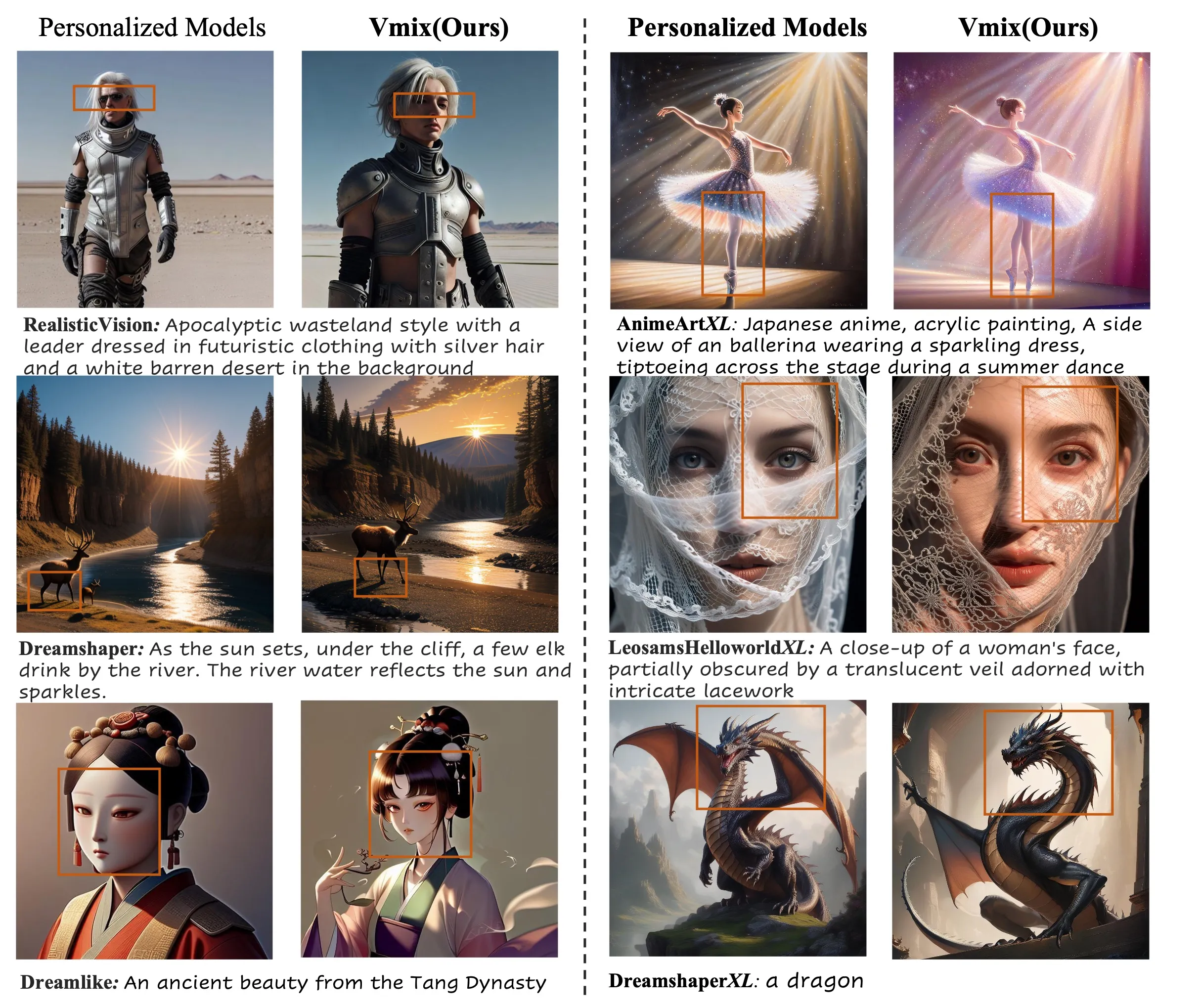
VMix also raises quality for personal models. If you already have a custom LoRA or style, turning on VMix adds extra polish without changing your base.
Getting Started and Current Status
- The team has released the paper and project page.
- Inference code, model checkpoints, and a ComfyUI node are listed as “coming soon.”
- No install commands are posted yet on GitHub at the time of writing.
What you can do now:
- Explore the project website to study the side-by-side examples and prompt tips.
- Star the GitHub repo to get notified when code and checkpoints drop.
- Plan how VMix could fit into your current SDXL or Stable Diffusion setup once files are released.
Practical Tips for Better Results
- Keep prompts clear: Separate “what” (subject, scene, object details) from “how” (style, mood, color, lighting).
- Start simple: Try a short prompt, then add a few clean style words for the aesthetic part.
- Combine with modules you know: If you already use LoRA or ControlNet, add VMix on top when it’s available.
Who Should Try VMix
- Creators who want better images from the same prompts.
- Teams that need high-quality brand or product pictures.
- Researchers testing better prompt control without retraining the base model.

FAQ
What models does VMix support?
The team shows examples on SDXL and Stable Diffusion. VMix is designed as an add-on, so it should slot into common text-to-image pipelines.
Do I need to retrain my base model to use VMix?
No. VMix is an adapter. It is built to work on top of your existing setup.
Can I use VMix with LoRA, ControlNet, or IPAdapter?
Yes. The team notes VMix is flexible and works with these popular community modules. This makes it easy to stack your tools.
Is VMix open-source right now?
The paper and site are live, and the team says inference code, checkpoints, and a ComfyUI node are coming soon. Keep an eye on the GitHub repo for the release.
Who built VMix?
VMix was built by researchers from ByteDance and USTC. For a quick company overview, see our page on ByteDance.
Image source: VMix: Redefining Text-to-Image Precision with Cross-Attention Control