One-Shot Wonder: Creating Seamless Videos with DreaMontage Frame Guidance
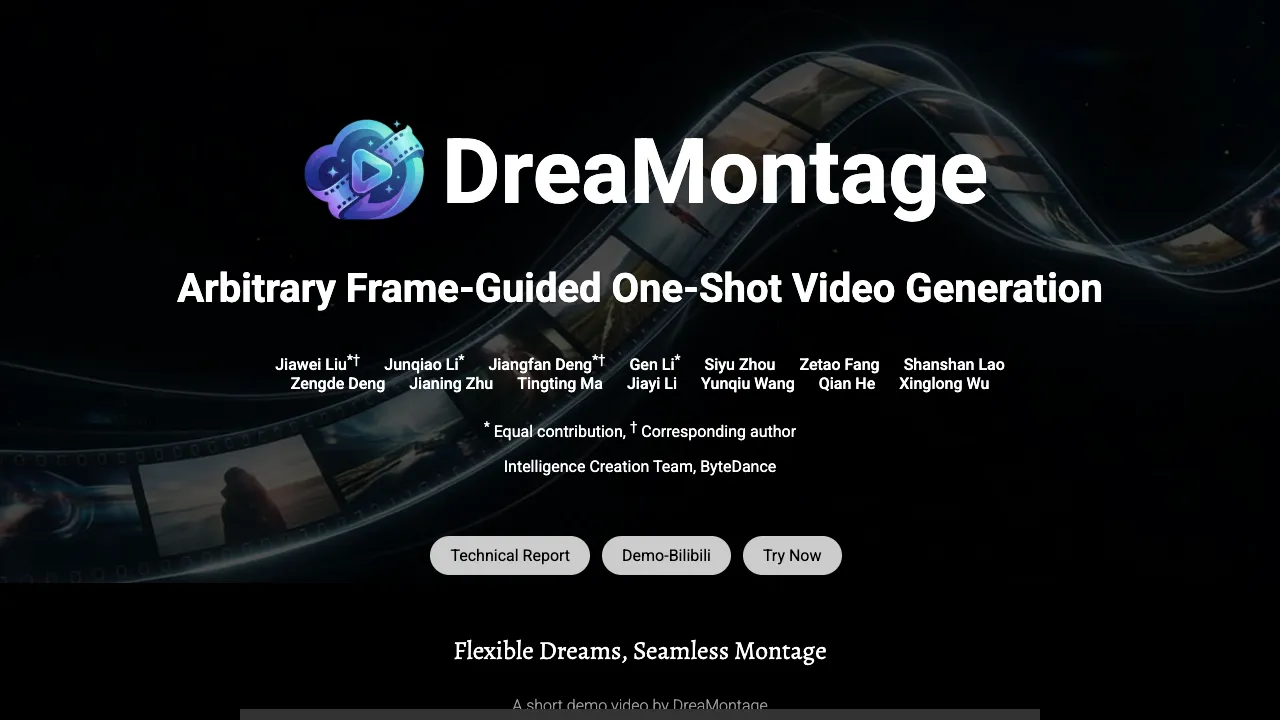
What is One-Shot Wonder: Creating Videos with DreaMontage Frame Guidance
DreaMontage is a research project that turns a few chosen frames and a short text prompt into one continuous video. You pick the key moments, set the timing, and the model fills in everything between to keep one shot from start to finish.

It is made for storytellers who want strong control with very little setup. You can say what the camera should do, when scenes should appear, and how objects should change over time.
Read More: Omnihuman 1.Com
One-Shot Wonder: Creating Videos with DreaMontage Frame Guidance Overview
Here is a quick look at the project at a glance.
| Item | Detail |
|---|---|
| Type | AI video generator (research demo) |
| Purpose | Create a single-shot video that follows user-picked frames on a timeline |
| Inputs | Keyframes (images) + text prompt + time positions (e.g., 0–5s, 5–10s) |
| Output | One-shot video with planned camera moves and scene changes |
| Main Features | Frame guidance, multi-keyframe control, camera path prompts, object and scene transitions |
| Works Best For | Storyboards, mood films, title scenes, short ads, concept reels |
| Access | Project page: opens in your browser, showcases examples |
| Extra Notes | Examples show clear timing tags and rich scene changes |
DreaMontage aims to keep motion and story flow steady across the full clip. You decide which frames to anchor and when they appear.
Read More: Bytedance
One-Shot Wonder: Creating Videos with DreaMontage Frame Guidance Key Features
- Frame-guided control: Pick frames and place them on a timeline. The model fills the gaps between frames.
- Multi-keyframe transitions: Turn one object into another over time, or change scenes step by step.
- One-shot flow: Keep a single, unbroken camera take from start to end.
- Camera prompts: Ask for moves like push in, pull back, zoom, turn, or pass-through shots.
- Story beats by time: Use simple time tags (like [0, 5], [5, 10]) to set clear moments in the story.
- Rich examples: From a droplet turning into a swan, to city reveals, to character moments, the demos show wide range.

One-Shot Wonder: Creating Videos with DreaMontage Frame Guidance Use Cases
- Concept videos: Turn a quick storyboard into a shareable clip for pitches.
- Ads and promos: Shape short stories with clear beats and a steady camera move.
- Title and logo scenes: Plan bold reveals and smooth pass-through shots in one take.
- Education and explainers: Guide viewers through steps with timed frames.
- Social posts and reels: Make short, continuous pieces that stand out.
Read More: About
Performance & Showcases
Showcase 1 — A flexible, flowing montage guided by frames Label: Flexible Dreams, Montage. This short demo by DreaMontage shows how one shot can follow key frames and a clear plan. It keeps the camera moving while honoring the user’s moments.
Showcase 2 — Loading... ☕ Label: Loading... ☕. This slot will feature another guided one-shot example. Check back soon for updates.
Showcase 3 — Loading... ☕ Label: Loading... ☕. More frame-guided stories are on the way. New results will appear here.
Showcase 4 — Loading... ☕ Label: Loading... ☕. Expect another single-take clip with planned moments. We will share it as soon as it is ready.
Showcase 5 — Loading... ☕ Label: Loading... ☕. This will highlight a different mix of frames and timing. Please check again later.
Showcase 6 — Loading... ☕ Label: Loading... ☕. More demos will be posted in this space. Save this page for fresh clips.
How DreaMontage Works (In Simple Terms)
- You set a few frames and say when each one should appear in the clip. You add a short text to guide mood, action, and camera moves.
- The model plans the in-between motion so the video holds one shot. It keeps things steady across time, from the first second to the last.
- The result is a single clip that follows your plan, with clean changes between moments.
The Technology Behind It (Plain Talk)
DreaMontage uses AI to plan movement across time between your frames. It reads your timing and your text, then blends motion from one beat to the next.
The system is trained to respect a single camera path. This helps keep the take unbroken, even when scenes change.
Tips for Best Results
- Keep frames clear and on-theme so the story stays focused. Fewer, stronger frames often work better than many weak ones.
- Write a short prompt that names mood, subject, and camera verbs (push in, zoom, rotate). Use simple time tags for each moment.
- Aim for steady action that links each frame to the next. If a test clip feels busy, trim or reorder the beats.
FAQs
What is a keyframe?
A keyframe is a still image that marks an important moment in your video. You place it on the timeline so the model knows when that moment should show up.
Can I control the camera?
Yes. In your prompt, name moves like push in, zoom, pass-through, turn, or glide across a subject. The demos show clean motion that follows these cues.
How long can the video be?
The demos show clips with several timed beats, often grouped in 5-second blocks. You can plan the timing to fit your story, short or longer.
Do I need pro video skills to use this?
No. You set frames, write a short prompt, and set times. The model handles the motion between the beats.
What kinds of changes can it show?
It can change objects over time, switch scenes, and move the camera through space. The examples show turns from simple shapes to machines to flowers, and more.
Where to See More
You can view the full set of demos on the DreaMontage project page. It is a helpful place to study timing, camera motion, and story beats.
For a wider view on AI topics we cover, see our home page at Omnihuman 1.Com. To learn who we are and what we publish next, visit our about page.
Image source: One-Shot Wonder: Creating Videos with DreaMontage Frame Guidance